
MoneyPrinterTurbo has surged past 144,800 GitHub stars for a clear reason: beginners can generate a complete vertical short video from a single topic prompt in one interface. It automates scripting, HD stock clip matching, voice synthesis, background music mixing, and styled subtitles locally.
Instead of forcing non-developers into raw Python scripts, MoneyPrinterTurbo includes a friendly Streamlit WebUI alongside Docker templates and a streamlined pip install mpt package. Released under the permissive MIT license, it puts automated TikTok, Reels, and Shorts workflows completely under your control.
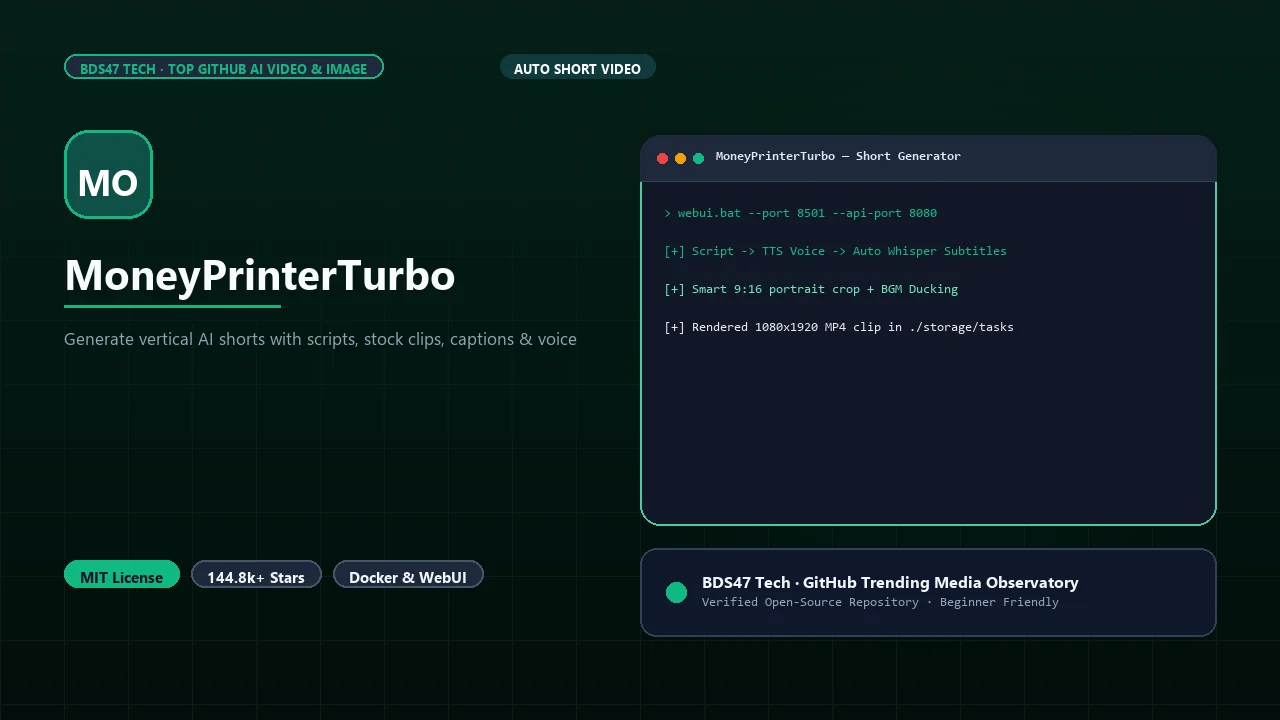
1. What is MoneyPrinterTurbo? Beginner Walkthrough
Quick Answer for Beginners: MoneyPrinterTurbo is an MIT-licensed open-source short-video generator with 144.8k+ GitHub stars. Enter a topic or paste custom copy in the WebUI, pick 9:16 or 16:9 framing, and it automatically drafts the script, adds free Edge-TTS voices, matches stock footage, and burns crisp subtitles.
1.1 Five-Step Automation Pipeline From Topic to MP4
Producing a 45-second vertical explainer manually requires drafting copy, downloading royalty-free B-roll clips, recording narration, and syncing captions word by word. MoneyPrinterTurbo links those stages inside a single browser control panel running on your own machine.
First, an LLM backend (OpenAI, DeepSeek, Gemini, or local Ollama) formats an engaging short script. Next, the backend fetches matching clips from Pexels or Pixabay, synthesizes natural narration, ducks background music volume automatically, and outputs an MP4 file.
1.2 WebUI Simplicity Paired With FastAPI Batch Automation
Release v1.3.10 balances point-and-click usability via Streamlit with an extensible FastAPI endpoint and agent Skill definitions, allowing both solo beginners and automated marketing pipelines to use the exact same rendering core.
2. Hardware Footprint & External Key Options
Because heavy 3D or diffusion generation is bypassed in favor of FFmpeg compositing and HD stock clips, modest office laptops run the workflow smoothly.
| Usage Tier | CPU & GPU | Minimum RAM | Connected Services | Typical Output Time |
|---|---|---|---|---|
| Beginner Standard | 4-core CPU (no GPU required) | 8 GB RAM | Free Pexels key + free Edge-TTS | 1–2 minutes per 45s clip |
| Local Privacy Mode | 8-core CPU + 6–8 GB VRAM | 16 GB RAM | Local Ollama + Pexels key | Zero recurring LLM API costs |
| Docker Queue Server | 4 vCPU Linux + 10 GB disk | 8–16 GB RAM | Docker Compose + FastAPI | Concurrent background batch rendering |
Avoiding Common First-Run Pitfalls on Windows & macOS
Most first-time setup issues come from two small environment details: missing FFmpeg on your system PATH or incomplete ImageMagick legacy configuration on Windows. Taking two minutes to verify both utilities inside a fresh terminal saves hours of subtitle-rendering troubleshooting later.
Additionally, when producing videos with multilingual accents or non-ASCII scripts, copy clean open-source font files directly into the project fonts folder so burned captions stay razor-sharp without fallback glyphs.
3. Step-by-Step Installation Guide for Beginners
The latest mpt Python package dramatically simplifies setup across Windows, macOS, and Linux. Install Python 3.11+ and ImageMagick first (on Windows, check the legacy utilities box during ImageMagick setup).
Option A: Quick Install on Windows PowerShell
Create an isolated virtual environment, install mpt, and launch the browser WebUI on http://localhost:8501 in four simple commands.
When PowerShell blocks script activation on a brand-new Windows PC, run Set-ExecutionPolicy -Scope CurrentUser RemoteSigned once so virtual environment activation scripts are allowed to run safely.
python -m venv .venv
.venv\Scripts\Activate.ps1
python -m pip install mpt
mpt webui
Option B: Quick Install on macOS and Ubuntu Linux
Activate a Python 3 environment, install the package, and open the WebUI to enter your free Pexels API key and preferred LLM endpoint.
On Ubuntu or Debian servers, install ImageMagick with sudo apt install imagemagick ffmpeg and relax default PDF/label policy restrictions if MoviePy reports permission errors while drawing captions.
python3 -m venv .venv
source .venv/bin/activate
python -m pip install mpt
mpt webui
4. Four Practical Creator & Marketing Workflows
Flexible aspect ratios, local clip uploads, and subtitle customization cover most short-form social publishing needs.
4.1 Vertical 9:16 Reels, Shorts, and TikTok Explainers
Select 1080×1920 vertical output, enable free Edge-TTS voices, and position bold outlined subtitles above the bottom navigation area so platform buttons never obscure text.
4.2 Horizontal 16:9 Blog-to-Video Summaries
Paste verified takeaways directly into the custom script box to turn existing written guides into clean 2-minute summary videos for YouTube embeds.
4.3 Zero-Cost Local LLM Generation With Ollama
Point the LLM configuration setting to a local Ollama endpoint (http://localhost:11434) combined with built-in Edge-TTS to produce unlimited draft videos without AI token bills.
4.4 Scheduled Batch Rendering via FastAPI
Trigger the headless API service from workflow tools to pre-render draft clips from approved editorial calendars for human review.
5. Honest Strengths and Trade-Offs
Reviewing real constraints upfront helps you decide when automated stock compilation works best versus hands-on editing.
Core Advantages
- Fast Beginner Onboarding: Single
mpt webuicommand opens a visual form requiring zero coding once installed. - Permissive MIT License: Unrestricted personal and commercial deployment with full source access.
- Free Edge-TTS Multi-Language Voices: Clean narration across dozens of languages without mandatory voice subscriptions.
- Granular Subtitle Styling: Adjust fonts, stroke thickness, colors, and vertical placement directly in UI.
Practical Limitations
- Stock Clip Relevance Varies: Abstract technical concepts sometimes match generic office B-roll unless you review keywords manually.
- ImageMagick Setup Quirks: Forgetting legacy utilities on Windows or policy tweaks on Linux causes subtitle rendering errors until fixed.
- Editorial Review Still Matters: Automated B-roll shorts need human script polish to deliver genuine viewer value.
6. MoneyPrinterTurbo vs AutoClip and Commercial Cloud Tools
This table compares starting inputs, licensing freedom, and technical simplicity across top short-video options.
| Feature | MoneyPrinterTurbo | AutoClip | Proprietary Web Generators |
|---|---|---|---|
| Primary Input | Text topic or custom script | Existing long video file or link | Text prompt in paid browser app |
| License & Pricing | MIT Open Source (free) | MIT Open Source (free app) | Monthly SaaS plans with export caps |
| Setup Method | Python mpt / WebUI / Docker | Desktop App (.exe/.dmg) / Docker | No install; cloud lock-in |
| Sweet Spot | Fast scripted stock-B-roll shorts | Clipping podcasts & talks into reels | Quick mobile edits with vendor assets |
A practical rule of thumb is to look at your source material before picking an automation tool. Whenever you already have long spoken recordings, interviews, or tutorials sitting on disk, slicing existing speech preserves authentic human personality far better than generic stock clips.
Whenever you are translating written explainers, product summaries, or quick conceptual lessons from scratch, combining a carefully fact-checked custom script with local voice synthesis delivers clean educational shorts at virtually zero software cost.
7. Beginner FAQ
7.1 Do I need a paid OpenAI subscription to use it?
No. You can use free local models through Ollama or free-tier APIs alongside Pexels’ free stock video API key.
7.2 Can I use my own screen recordings or local footage instead of stock clips?
Yes. Switch the video source option inside the WebUI to local files and point it at your own curated folder of B-roll clips.
7.3 Why does ImageMagick throw a subtitle error on Windows?
During ImageMagick installation, make sure to check ‘Install legacy utilities (convert.exe)’ and verify imagemagick_path inside config.toml.
7.4 Are exported videos free of watermarks?
Yes. Everything renders locally via FFmpeg under the MIT license without added logos or watermarks.
8. BDS47 Tech Verdict
Earning a 9.4 / 10 editorial score, MoneyPrinterTurbo remains one of the easiest ways for beginners and solo creators to automate structured short-form video drafts locally without monthly SaaS fees. Pairing human-edited educational scripts with local footage elevates results dramatically.
For the smoothest beginner workflow, keep a small library of 15–20 second product screen recordings in a local folder and point Edge-TTS toward natural neural voices. Within ten minutes of installing Python and opening the WebUI, you can render repeatable educational shorts on almost any modern laptop.
If you already record long YouTube tutorials, interviews, or podcasts and want AI to slice out viral highlights instead of fetching stock clips, check out our AutoClip and HyperFrames reviews next.


