Upscayl has earned nearly 53,000 GitHub stars by doing one practical job wonderfully well for everyday users: enlarging and sharpening blurry photos offline with a single click. Whether rescuing compressed family snapshots or scaling 1024px AI art up to crisp 4K print resolution, everything runs privately right on your desktop.
Unlike Python-heavy image suites that demand high-end NVIDIA CUDA hardware, v2.15.0 leverages lightweight ncnn-vulkan acceleration across Windows, macOS, and Linux. AMD, Intel, and Apple Silicon computers run clean Real-ESRGAN models seamlessly with zero cloud uploads or daily credit caps.
1. What is Upscayl? Simple Explanation & Core Engine
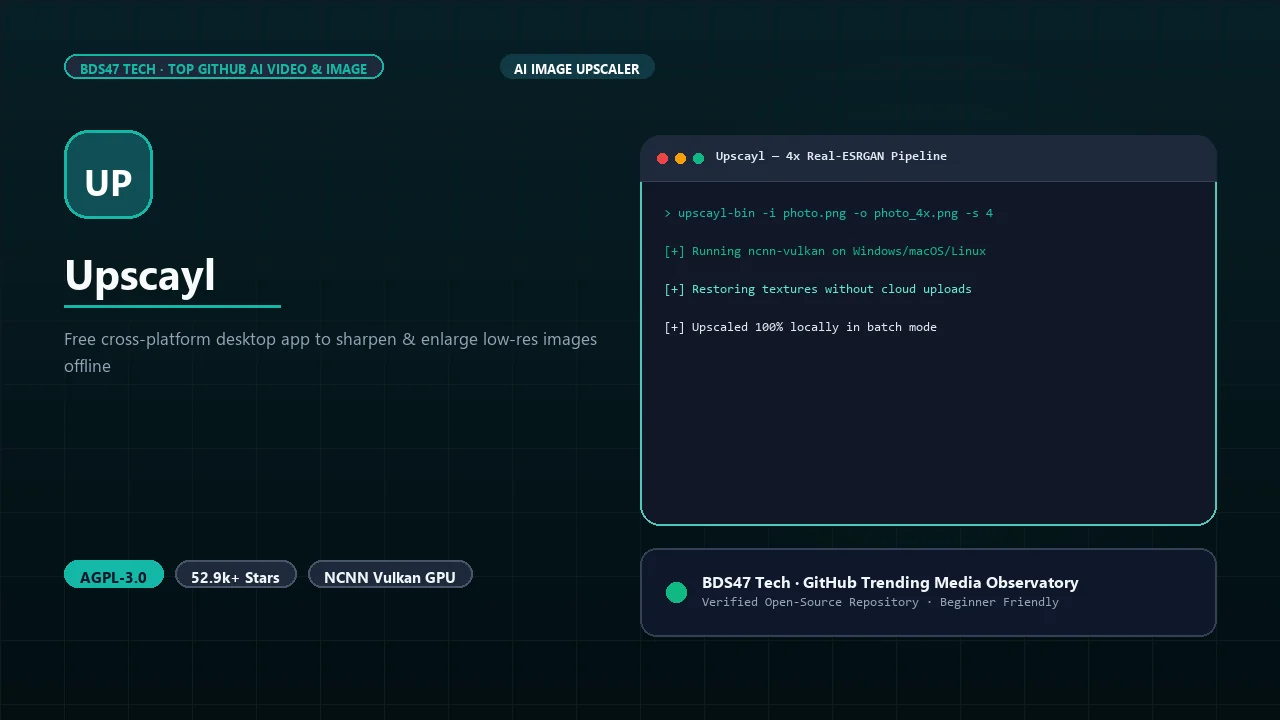
Quick Answer for Beginners: Upscayl is a free, open-source (AGPL-3.0) desktop app that enlarges and sharpens images offline on Windows, macOS, and Linux. Drag a photo in, pick a built-in enhancement model such as General Photo or Digital Art, and export crisp 4x graphics privately without Python setup.
1.1 Why AI Super-Resolution Beats Standard Resize Tools
Enlarging a small image in standard photo editors only stretches existing pixels across a bigger grid, creating blocky edges and soft blur. Instead, Real-ESRGAN neural networks predict natural surface textures—foliage, fabric weaves, fur, and clean edge lines—trained from millions of real high-res pairs.
As a result, compressed chat photos and low-resolution web graphics emerge remarkably cleaner and sharper with suppressed JPEG ringing artifacts.
1.2 Lightweight ncnn-vulkan Across Mixed GPUs
Packaging the C++ upscayl-ncnn backend avoids multi-gigabyte PyTorch downloads entirely. Any desktop or laptop GPU supporting Vulkan graphics drivers executes parallel image tiling natively without mandatory CUDA lock-in.
Processing in small GPU tiles also prevents memory crashes on modest laptops: even 4 GB graphics chips calmly stitch ultra-clean 4K exports piece by piece without freezing your desktop cursor during heavy rendering.
2. System Requirements & GPU Compatibility
Because NCNN Vulkan works broadly across modern graphics drivers, everyday laptops and Apple Silicon Macs process 4x enlargements quickly.
| Device Profile | Graphics Hardware | Minimum RAM | Operating System | Typical 4x Speed |
|---|---|---|---|---|
| Starter Laptop | Intel Iris Xe / Radeon Vega / Apple M1 | 8 GB RAM | Windows 10/11, macOS, Linux | 5–15 seconds per photo |
| Dedicated Desktop GPU | NVIDIA GTX 1650+ / RTX / AMD RX | 16 GB RAM | Windows, Linux AppImage | 1–3 seconds per 4x image |
| Batch Studio Workflow | 6 GB+ VRAM GPU + SSD | 16 GB RAM | Official Desktop v2.15.0 | Scales entire folders smoothly |
3. Beginner Setup: Install and Sharpen Images in 3 Clicks
Non-technical users do not need a terminal or Python environment at all—simply download the graphical desktop installer.
Step 1: Download the Official Desktop Installer (.exe / .dmg / .AppImage)
Visit https://upscayl.org or the GitHub v2.15.0 Releases page and grab the native package for Windows, macOS, or Linux. Launch the installer normally like any everyday desktop utility.
Step 2: Drop Images, Pick a Model, and Inspect Before/After
Select a PNG, JPEG, or WebP input, choose General Photo, Digital Art, or Ultrasharp, click export, and inspect the live split-screen slider cleanly. Developers wanting a local source build can also compile the Electron client directly:
git clone https://github.com/upscayl/upscayl
cd upscayl
npm install
npm run dist
4. Four Practical Ways Beginners Use Upscayl Every Day
Offline batch processing and customizable models make this utility useful across photography, design, and publishing.
4.1 Rescuing Compressed Family Photos and Web Downloads
Clean away muddy compression halos on photos downloaded from messaging apps before printing albums or framing keepsakes.
Running the Ultramix Balanced or Remacri presets removes harsh block edges gently while avoiding plastic skin smoothing across outdoor portraits and scanned travel prints.
4.2 Scaling 1024px AI Artwork to Crisp 4K Prints & Thumbnails
Most local diffusion generators output sharp composition at 1024px to stay within GPU VRAM limits. Enlarge completed generations cleanly to 4096px right before publishing posters or video covers.
Pairing a quick 2x or 4x export pass here is often far faster than running heavy high-resolution sampler passes inside video or image generation pipelines.
4.3 Batch-Enhancing Product Galleries for Online Stores
Switch to Batch mode and select an entire folder of merchandise shots so every listing photo updates consistently without manual clicking.
Point the output destination at a clean subfolder, pick a compression balance in Settings, and let the desktop queue sharpen dozens of product angles automatically while you draft titles and descriptions.
4.4 Importing Community Custom Models for Anime & Pixel Art
Drop community-trained .param and .bin model weights into the Custom Models directory when refining specialized line art or game textures.
5. Honest Strengths and Limitations
Understanding how super-resolution predicts texture keeps expectations grounded on heavily degraded inputs.
Strong Points
- True Beginner Accessibility: Native installer works out of the box with zero coding or terminal flags.
- Works Across NVIDIA, AMD, Intel & Mac: Vulkan compute broadens compatibility dramatically.
- 100% Offline Image Privacy: Personal photos and client artwork never upload to unknown cloud servers.
- No Watermarks or Credit Paywalls: Unlimited local 4x–16x processing under AGPL-3.0.
Realistic Limits
- Cannot Invent Lost Facial Identities: Extremely tiny faces under 64px may look smoothed or altered rather than restoring exact likeness.
- Tiny Blurry Text May Artifact Slightly: Heavily smudged small typography inside low-res screenshots can warp mildly when upscaled.
- 16x PNG Files Grow Huge Fast: Stick to 4x WebP or JPEG output unless preparing wall-sized print posters.
6. Upscayl vs Topaz Photo AI and Cloud Web Upscalers
Comparing total cost, platform coverage, and image privacy against commercial alternatives.
| Criteria | Upscayl Desktop | Topaz Photo AI | Free Web Upscalers |
|---|---|---|---|
| Software Cost | Free AGPL-3.0 Open Source | ~$199 commercial license | Daily limits / paid subscriptions |
| Privacy Guarantee | 100% offline processing | Offline desktop processing | Requires remote cloud uploads |
| OS Coverage | Windows, macOS & Linux | Windows & macOS only | Any browser with internet |
| Best For | Everyday sharpening, AI art & batch WebP | Pro RAW camera denoising | One-off public social images |
For web publishers and e-commerce teams, the built-in WebP output toggle pairs cleanly with modern site optimization workflows, delivering crisp thumbnails without bloated megabyte payloads.
Combined with local generators like InvokeAI or Stable Diffusion WebUI, beginners gain a complete studio toolkit without paying multiple creative subscriptions.
A practical habit when enhancing mixed media is matching the right built-in model to your source material: General Photo (Real-ESRGAN) preserves skin texture and foliage naturally, Digital Art keeps illustrations and UI icons clean without oversharpening, and Ultrasharp excels on architectural photos or textures.
Before batch-processing hundreds of assets for a store catalog or slide deck, test two models side by side with the interactive split-view slider and save compressed WebP files directly for lightweight publishing.
7. Beginner Frequently Asked Questions
7.1 Does my laptop work without a dedicated NVIDIA gaming GPU?
Most Intel, AMD, and Apple Silicon systems built in recent years support Vulkan natively. Updating your integrated graphics driver solves most first-launch Vulkan warnings.
7.2 Should I export to PNG or WebP?
Choose PNG when feeding artwork back into photo editors for print, and pick WebP when uploading sharp visuals to websites for fast page loading.
7.3 When should I use Double Upscayl 16x instead of 4x?
Standard 4x cleanly turns a 1000px image into 4000px 4K resolution. Reserve Double 16x only for tiny icons or large physical poster prints.
7.4 Does the desktop utility place logos or watermarks on saved photos?
No. Exports remain 100% clean, private, and unbranded.
8. BDS47 Tech Verdict
Earning an impressive 9.5 / 10 editorial score, Upscayl delivers one of the cleanest, most dependable desktop AI experiences anywhere in open source. Zero terminal complexity, broad Vulkan hardware support, and crisp offline 4x scaling make it an easy recommendation for beginners and designers alike.
Whether restoring vintage digital camera photos, cleaning chat downloads, or turning 1024px AI generations into razor-sharp 4K banners, offline reliability keeps every project fast and confidential.
Pair it directly with our Stable Diffusion WebUI and InvokeAI studio guides below to turn 1024px creations into sharp 4K production graphics.