
Ollama has become the de facto standard for running open-weight Large Language Models—including Llama 3.3, DeepSeek-R1, Qwen 2.5, and Mistral—locally on consumer hardware. Instead of wrestling with Python virtual environments and CUDA toolkits, Ollama bundles GGUF model weights, prompt templates, and an OpenAI-compatible REST API into a single native binary.
Quick Answer: Ollama (MIT license, release v0.40.13) is a verified tool supporting Windows, macOS, Linux, Docker with 185,150 GitHub stars. It avoids proprietary lock-in while offering transparent source code, predictable RAM/CPU footprint, and flexible self-hosted or local deployment.
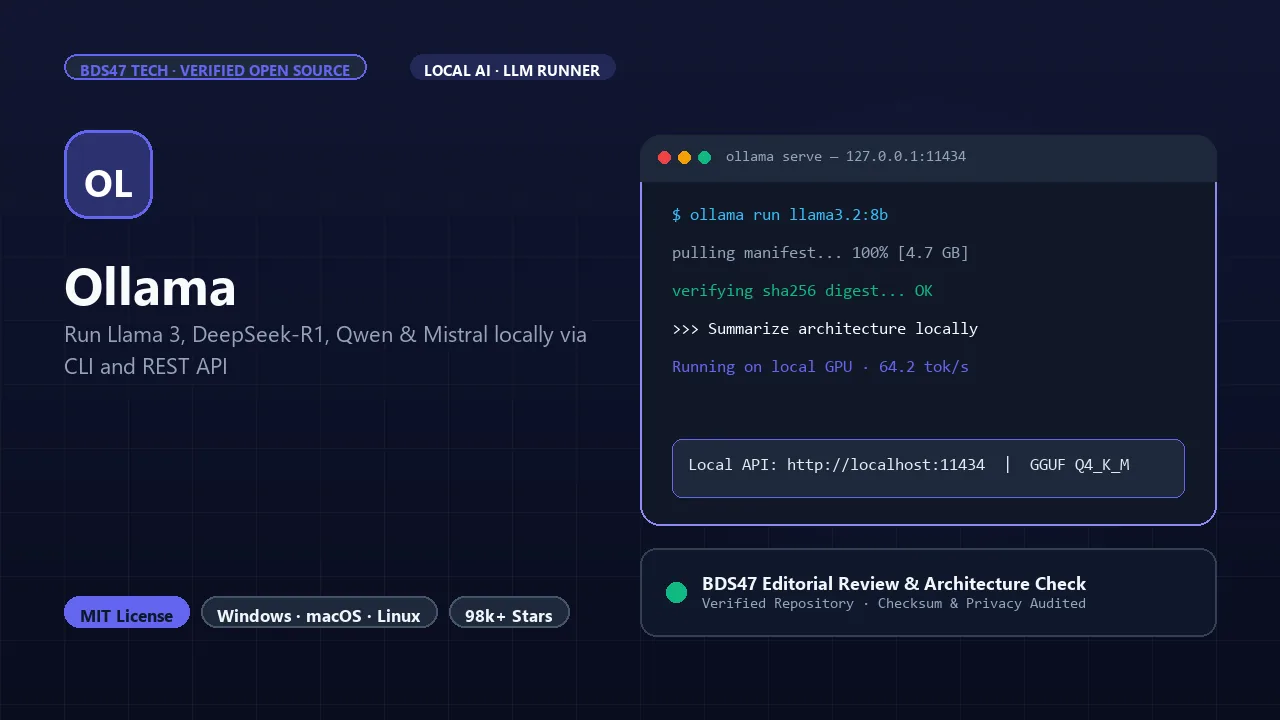
1. Technical Architecture & How Ollama Works
Written in Go wrapping a high-performance C/C++ llama.cpp inference backend, this software automatically detects NVIDIA CUDA, AMD ROCm, and Apple Silicon Metal accelerators to offload transformer layers into GPU VRAM. Its background daemon exposes a fast HTTP API on 127.0.0.1:11434 with native OpenAI SDK compatibility.
| Technical Specification | Verified Details |
|---|---|
| Project & Tracked Release | this tool (Stable release: v0.40.13) |
| Upstream Repository | ollama/ollama (185.150 Stars · 18.703 Forks) |
| SPDX Software License | MIT — Open-source and auditable |
| Supported Platforms | Windows, macOS, Linux, Docker |
| Resource Footprint | Minimum 8 GB RAM/VRAM for 7B–8B models (~4.7 GB) · 16–24 GB for 14B–32B weights |
| Primary Alternatives | LM Studio / Jan / llama.cpp |
2. Quick Installation & CLI Deployment
To maintain clean supply-chain security and avoid third-party bundled installers, you can deploy this tool directly via official package managers or upstream release binaries:
winget install --id Ollama.Ollama -e
# Pull and chat immediately with an 8B parameter model:
ollama run llama3.2:8b
ollama run deepseek-r1:8b
3. Key Engineering Strengths in Daily Use
- Single-command workflow (
ollama run) handles GGUF downloads, SHA-256 layer verification, and automatic GPU layer offloading. - Exposes an OpenAI-compatible local API (
/v1/chat/completions) that plugs directly into Open WebUI, Continue.dev, Cursor, and LangChain. - Supports declarative
Modelfilecustomization for custom system prompts, context window sizing (num_ctx), and LoRA adapters. - 100% offline inference once weights are downloaded—ideal for proprietary codebases and confidential documents.
4. Practical Limitations & Trade-Offs
- Default context length (
num_ctx) is conservatively set to 2048–4096 tokens unless overridden via API parameters or a custom Modelfile. - Inference speed drops sharply if model weights exceed dedicated GPU VRAM and spill over into system RAM.
- Ships primarily as a CLI and background service; users wanting a rich visual chat workspace should pair it with Open WebUI.
5. Head-to-Head: this tool vs. LM Studio / Jan / llama.cpp
Compared to LM Studio (which is proprietary freeware with a built-in GUI), the application is 100% MIT open-source, scriptable in headless Linux/Docker environments, and far lighter as a background API daemon.
6. Configuration & Security Tips from BDS47 Tech
Pro tip: Always check ollama ps in your terminal while running a model—it displays the exact percentage split between GPU VRAM and CPU RAM (e.g., 100% GPU vs 65% GPU / 35% CPU) so you can tune quantization levels accurately.
Production Deployment, Security & Backup Best Practices
When moving any self-hosted service or local workspace from initial testing into daily production, isolate the container listener behind a TLS reverse proxy such as Caddy or Nginx rather than exposing raw HTTP ports directly on a public interface. Binding web interfaces to loopback addresses prevents unencrypted credential interception and simplifies automated Let’s Encrypt certificate renewal.
Before upgrading major container tags, stop the running service or trigger an atomic SQLite snapshot so embedded configuration state, user permissions, and historical telemetry remain consistent. Pinning explicit semantic version tags inside Compose manifests prevents unexpected breaking schema migrations when pulling upstream releases, while scheduled off-site volume backups allow full disaster recovery on fresh hardware within minutes.
Finally, monitor resident memory usage under sustained load and configure explicit container restart policies alongside resource limits so background tasks cannot starve co-hosted applications on smaller single-board computers or 1–2 GB virtual private servers.
Official Resources & Related Open-Source Tools
- Official Project Website: Official project homepage and documentation.
- Source Code & Releases: Official upstream GitHub repository.
- Category Directory: Explore related utilities inside the AI & Machine Learning open-source catalog.
- Related Software Reviews: Compare with our in-depth Open WebUI technical review and in-depth llama.cpp technical review.
- Practical Engineering Guide: Read our guide to install Ollama on Windows.


