
AutoClip gained over 1,690 new GitHub stars this week alone—climbing past 12,298 stars—by solving one of the most expensive bottlenecks in modern content creation. It takes long podcasts, interviews, or video links and automatically extracts captioned 9:16 highlight clips right on your computer.
Instead of uploading multi-gigabyte recordings to subscription cloud platforms like OpusClip, AutoClip runs cutting and FFmpeg rendering locally using either a native Desktop app or Docker Compose. Under the MIT license, the app itself is completely free with no export watermarks or minute quotas.
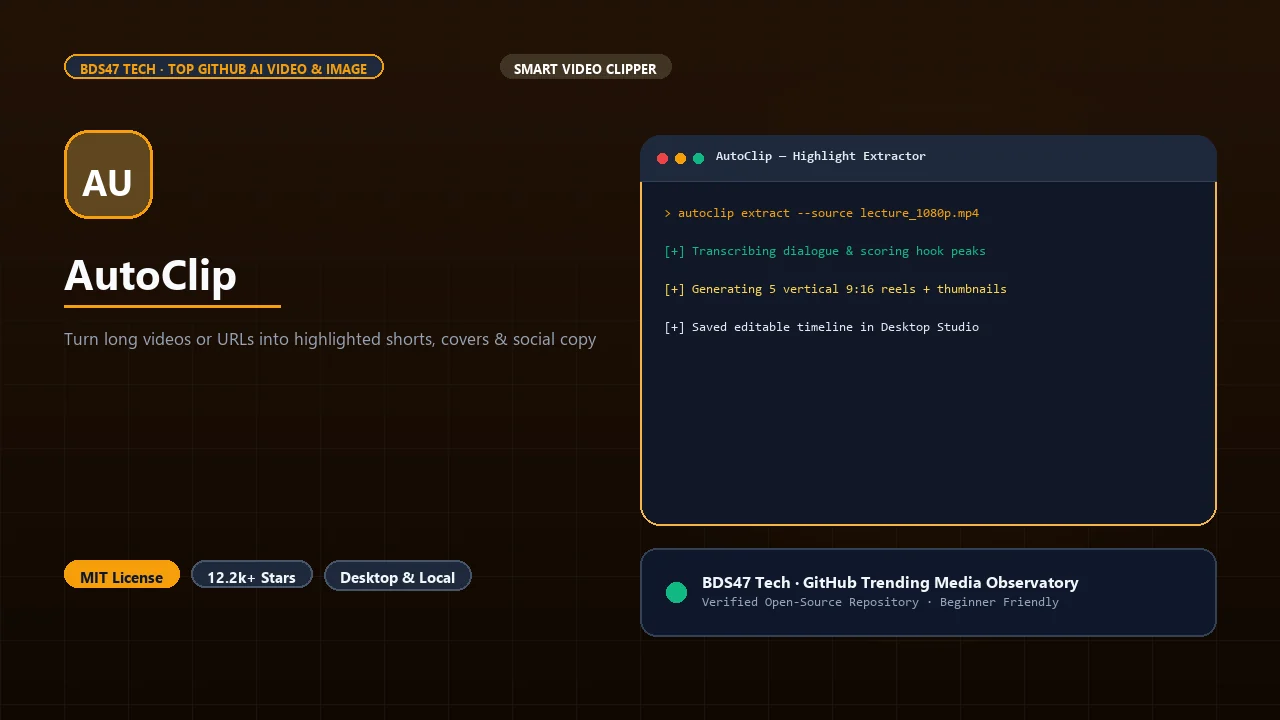
1. What is AutoClip? Beginner Breakdown
Quick Answer for Beginners: AutoClip is an MIT-licensed open-source video clipper for Windows, macOS, Linux, and Docker. Paste a video URL or drop a long MP4 file, choose your target social format, and get highlight reels complete with synchronized captions, thumbnails, and post copy without monthly app fees.
1.1 Turning Hour-Long Recordings Into Focused Short Hooks
Sifting through a 60-minute talkshow or course recording just to find five compelling 45-second moments normally steals an afternoon. AutoClip transcribes the full audio track with word-level timestamps and uses LLM reasoning to score self-contained hooks and insights.
Once candidate highlights are ranked, the local engine reframes output to vertical 9:16 (or standard landscape), renders clean captions, and drafts suggested titles and cover frames ready for TikTok, Reels, or YouTube Shorts.
1.2 Desktop Ease Plus Docker & MCP Extensibility
Version v1.5.8 ships both an approachable Tauri desktop installer for non-technical creators and full Docker / MCP Server tooling (autoclip-mcp) for developers automating team media workflows.
2. System Requirements & Operating Cost Breakdown
Because FFmpeg handles cutting and video rendering locally on your own CPU/GPU, there are zero per-minute processing paywalls.
| Mode | Hardware Profile | Minimum RAM | Required Components | Ongoing Cost |
|---|---|---|---|---|
| Desktop App (Beginners) | Windows or macOS laptop | 8 GB RAM | GitHub Release installer + LLM key | Free app; small API token spend |
| Docker Self-Hosted | 4-core Linux/Windows host | 8–16 GB RAM | Docker Compose stack | Zero software fees for whole team |
| Agent MCP Workflow | Python 3.11+ & FFmpeg | 8 GB RAM | uvx autoclip-mcp / Skills | Matches your existing coding agent |
Optimizing Transcript Accuracy & Vertical Framing Speed
Clean source audio is the single biggest factor behind compelling automated short clips. Before feeding a long podcast or lecture into your pipeline, remove heavy room echo or loud background music during recording so the speech-to-text stage captures crisp punctuation and sentence boundaries.
When working with large 1080p or 4K interviews inside Docker, store the uploads and data directories on an internal SSD volume so multi-pass FFmpeg slicing avoids slow external USB drive bottlenecks.
3. Beginner Installation: Desktop App or Docker in Minutes
Complete beginners can skip the terminal entirely by downloading the desktop package, while homelab users can launch the self-hosted web app cleanly via Docker.
Option 1: One-Click Desktop App Setup (Recommended for Beginners)
Download the latest desktop binary for Windows or macOS directly from the GitHub Releases page, open Settings to connect your preferred LLM API key or local endpoint, and drop your first long MP4 file into the workspace.
After importing a long talk or pasting a supported link, pick your target short platform—TikTok, Reels, or YouTube Shorts—and review the suggested hook scores before exporting batch vertical cuts.
Option 2: Self-Hosted Web Stack via Docker Compose
If you run Docker Desktop or a private Linux media server, clone the repository, initialize persistent storage directories, and spin up the container stack with the commands below.
On Linux hosts where container file permissions restrict write access inside mounted volumes, run the documented ownership command once so uploads and rendered outputs save cleanly.
git clone https://github.com/zhouxiaoka/autoclip.git
cd autoclip
cp env.example .env
mkdir -p data logs uploads
docker compose up -d --build
4. Four Practical Creator Workflows
Platform presets and an integrated adjustment editor help match the pacing expectations of each major social feed.
4.1 Podcast-to-Shorts Multi-Clip Extraction
Import full video podcast episodes so the analyzer pulls complete question-and-answer arcs instead of cutting abruptly mid-sentence.
4.2 Course & Webinar Recap Clips
Turn recorded workshops or software tutorials into bite-sized social teasers with legible captions and minimal manual scrubbing.
4.3 Automated Cover Images and Post Copy
Save time at publish by using the generated cover thumbnails and platform-specific post copy suggestions tailored for Shorts, Reels, and TikTok.
4.4 Programmatic Agent Control via autoclip-mcp
Developers can expose clipping tools to AI assistants through MCP (uvx autoclip-mcp) to inspect segments and render verified clips in automated scripts.
5. Honest Pros and Cons
Weighing local speed and zero watermark freedom against cloud convenience clarifies whether it fits your channel.
Strong Advantages
- Local Cutting & Rendering: Skip slow multi-gigabyte uploads; your raw footage stays private on your drive.
- Built-In Adjustment Editor: Fine-tune trim points and caption text whenever the AI split needs human polish.
- Permissive MIT License: Zero watermarks and zero artificial limits on monthly minutes exported.
- Active Weekly Momentum: Fast release cadence (+1,690 weekly stars) with both Desktop and Docker packaging.
Real Limitations
- LLM Analysis Uses API Credits: While cutting is free, ranking highlights typically consumes modest cloud LLM API tokens unless mapped locally.
- Initial ASR / Language Tuning: Domain-specific jargon or heavy accents still benefit from a quick subtitle proofread before export.
- CPU Render Speed on Long 4K Inputs: Older laptops take extra minutes when re-encoding multi-hour 4K footage.
6. AutoClip vs OpusClip and MoneyPrinterTurbo
Comparing core inputs, rendering privacy, and pricing models across three leading short-form tools.
| Dimension | AutoClip | OpusClip (Cloud SaaS) | MoneyPrinterTurbo |
|---|---|---|---|
| Core Purpose | Repurpose long videos into highlights | Cloud highlight slicing from links | Generate brand-new shorts from text |
| Video Processing | 100% local desktop / self-hosted Docker | Uploaded to third-party cloud servers | 100% local Python / Docker |
| Monthly App Cost | Free MIT app (optional LLM token cost) | $15–$29+/mo capped export minutes | Free MIT app |
| Manual Refinements | Built-in desktop timeline adjustment | Web editor inside paid workspace | Pre-render script & style settings |
Keeping video slicing and caption encoding on your local workstation also future-proofs long-term channel archives. Instead of worrying about cloud storage caps or expiring trial exports, your raw 1080p masters and editable highlight timelines stay safely backed up alongside your project folders.
Pairing fast local transcription with brief manual timeline checks inside the desktop adjustment view gives solo podcasters broadcast-grade reels while saving hundreds of dollars annually.
7. Beginner Frequently Asked Questions
7.1 Can a regular laptop without a gaming GPU run it?
Yes. FFmpeg handles trimming and caption rendering reliably on standard multi-core CPUs with 8 GB RAM, though large 4K files simply export faster on stronger chips.
7.2 Does it add any branding or watermarks to exported clips?
No. Exports are completely clean and unbranded under the MIT open-source license.
7.3 Can I fix the start or end timestamp if an AI clip cuts slightly early?
Yes. Open the built-in editor tab after segmentation to nudge trim handles and edit caption wording before final MP4 rendering.
7.4 Should beginners choose the Desktop release or Docker?
Solo creators on Windows or macOS should grab the Desktop installer first, whereas teams hosting a shared browser tool on Linux should pick Docker Compose.
8. BDS47 Tech Verdict
AutoClip achieves a 9.2 / 10 editorial score for liberating creators from expensive per-minute clipping subscriptions while keeping raw recordings strictly on local storage. Between its approachable Desktop app, built-in fine-tuning editor, and MIT license, podcasters and educators gain immediate value.
Before running your first 10-clip batch, double-check caption font sizing on a vertical phone preview and skim the first three seconds of each cut inside the Desktop editor. That two-minute final review ensures crisp framing and natural opening hooks across TikTok, Reels, and Shorts.
If you want to generate original motion graphics videos from scratch rather than cutting existing talks, explore OpenMotion and MoneyPrinterTurbo in our directory below.


