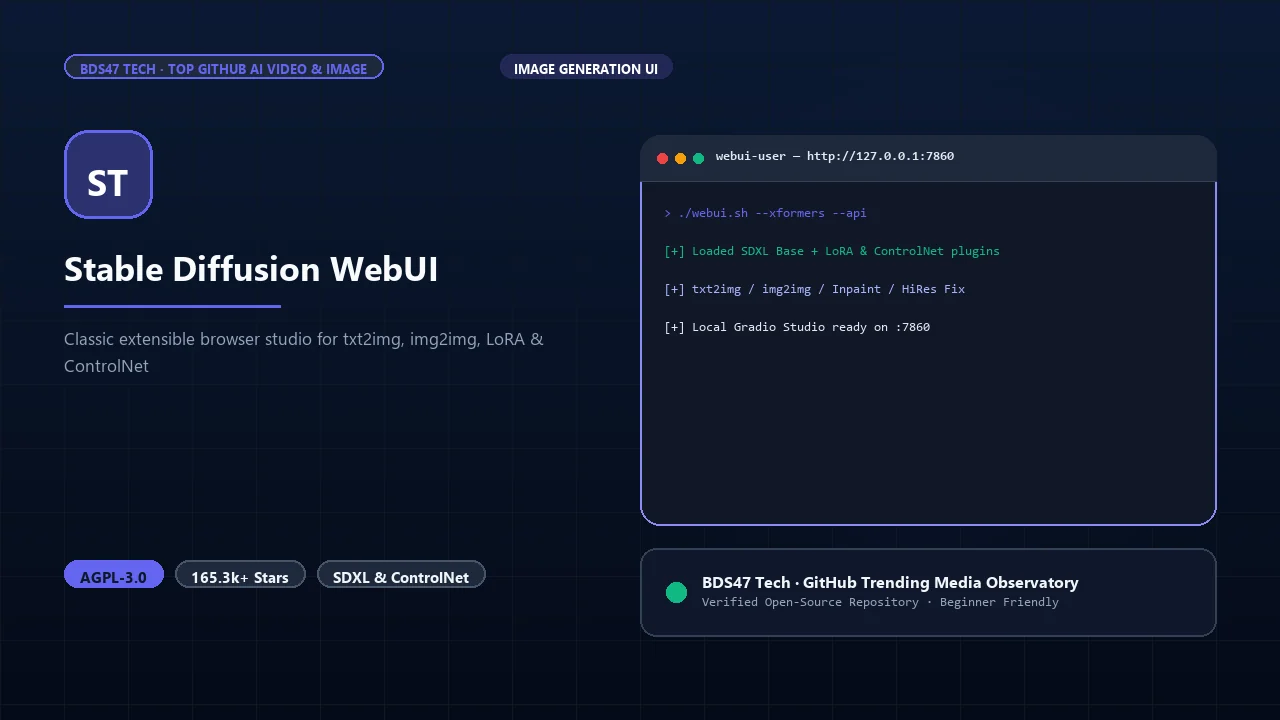
Stable Diffusion WebUI—widely known across creator circles as A1111—remains the highest-starred open-source image generation studio on GitHub with more than 165,300 stars and 31,000 forks. Its intuitive Gradio browser workspace turns local AI painting, inpainting, and upscaling into straightforward sliders and tabs.
Even alongside newer node-based interfaces, A1111 stays wildly popular thanks to one-file webui-user.bat setup scripts, deep extension support, and instant prompt-weighting shortcuts. Under AGPL-3.0, every generated image renders privately offline on your own graphics card.
1. What is Stable Diffusion WebUI? Beginner Architecture Guide
Quick Answer for Beginners: Stable Diffusion WebUI is a free, open-source (AGPL-3.0) browser studio for generating and editing AI images locally on Windows, Linux, and macOS. Install once, drop open
.safetensorscheckpoints into the models folder, and unlock txt2img, inpainting, outpainting, and extensions completely offline.
1.1 Replacing Raw Python Scripts With Intuitive Browser Tabs
Writing custom PyTorch scripts just to adjust aspect ratios, sampling steps, or random seeds quickly overwhelms non-coders. A1111 eliminates terminal guesswork by launching a clean Gradio web app at http://127.0.0.1:7860 with dedicated tabs for creation and editing.
Beginners start right away inside txt2img for text prompts, jump to img2img for style variations and sketches, repair details via Inpainting masks, or test variations across grid sweeps with Prompt Matrix.
1.2 Fast Attention Syntax & Community Extension Marketplace
Highlight any word inside the prompt box and tap Ctrl+Up (or Command+Up on Mac) to tune attention weight cleanly without memorizing raw math syntax. Built-in extension management adds ControlNet pose guidance, face detailers, and regional prompting in seconds.
Beginners also benefit from live generation previews and a clean batch-count slider that renders four or eight quick thumbnails from a single click, making it easy to pick the sharpest composition before running a full upscale pass.
2. Hardware Requirements & Low-VRAM Tuning Flags
Thoughtful memory optimization flags help entry-level GPUs handle local image generation alongside flagship creator cards.
| Hardware Tier | GPU / Chipset | System RAM | Recommended Launch Flags | Expected Workflow |
|---|---|---|---|---|
| Starter PC | NVIDIA 4–6 GB VRAM | 16 GB RAM | –medvram –xformers | Smooth 512×768 SD 1.5 renders |
| Creator Sweet Spot | RTX 3060 12GB / RTX 4060+ | 16–32 GB RAM | –xformers | Fast SDXL 1024×1024 + ControlNet |
| Apple Silicon Mac | M1 / M2 / M3 Pro or Max | 16–32 GB Unified | Automatic macOS MPS acceleration | Quiet, low-power local artwork |
3. Beginner Installation Walkthrough on Windows, Linux & macOS
Automated launch scripts create a clean Python virtual environment automatically so system libraries remain tidy.
Step 1: Automated Windows Install via webui-user.bat
Install Python 3.10.6 (checking ‘Add Python to PATH’) and Git for Windows, verify at least 25 GB of free SSD space, clone the repo below, and double-click webui-user.bat to bootstrap PyTorch and dependencies.
git clone https://github.com/AUTOMATIC1111/stable-diffusion-webui.git
cd stable-diffusion-webui
.\webui-user.bat
Step 2: Linux / macOS Startup & First Model Checkpoint
On Ubuntu or Apple Silicon Macs, launch ./webui.sh directly inside Terminal. Place downloaded .safetensors checkpoints inside models/Stable-diffusion, open http://127.0.0.1:7860, and click Generate.
git clone https://github.com/AUTOMATIC1111/stable-diffusion-webui.git
cd stable-diffusion-webui
./webui.sh
4. Four Everyday Creative Workflows You Can Master Quickly
Practical editing controls make this classic studio useful far beyond basic text-to-image prompts.
4.1 Targeted Inpainting Retouches Without Redrawing Whole Photos
Paint an inpaint mask over an unwanted object, background flaw, or outfit detail, describe your desired replacement, and regenerate strictly inside the masked region while leaving the rest untouched.
Adjust the Denoising Strength slider conservatively (around 0.45 to 0.65) when refining existing textures, or slide higher when replacing objects cleanly from scratch against matching studio lighting.
4.2 Aspect Ratio Expansion via Outpainting
Convert square character illustrations into wide 16:9 presentation banners cleanly by generating matching scenery edges seamlessly around the center artwork.
4.3 Rough Color Sketch & ControlNet Pose Guidance
Paint rough color blocks in the sketch pad or wire a pose skeleton through the ControlNet extension so final illustrations respect your exact composition.
4.4 Two-Stage Detail Enhancement With Hires Fix
Generate coherent composition first at base dimensions, then upscale seamlessly in a second latent pass with Hires.fix for crisp print and web graphics.
Using a fast sampler like Euler or DPM++ 2M Karras at 20 to 28 steps during stage one saves time while letting the second upscale pass refine jewelry, clothing stitches, and fine foliage naturally.
5. Honest Strengths and Trade-Offs
Balancing classic stability against newer DiT architectures clarifies when A1111 shines best today.
Core Strengths
- Form-Based Simplicity for Beginners: Tabs and sliders feel approachable compared to sprawling node graphs.
- Unmatched Extension Catalog: Thousands of tutorials and community plugins were built natively around this interface.
- Low-VRAM Optimization Options:
--medvramand--lowvramflags rescue older 4–6 GB cards. - Huge Community Documentation: Extensive troubleshooting wikis solve nearly any environment error quickly.
Practical Trade-Offs
- Slower Support for Newer Architectures: Base v1.10.1 lags behind ComfyUI and newer forks when running Flux or modern video weights.
- Heavier Memory Usage With Many Extensions: Loading dozens of third-party tabs extends startup times noticeably.
- Python Version Sensitivity on Windows: Using Python 3.12 instead of 3.10.6 frequently breaks legacy dependency wheels.
6. Comparing Stable Diffusion WebUI vs ComfyUI and InvokeAI
Evaluate all three open-source image studios side by side to pick your ideal starting workspace.
| Dimension | Stable Diffusion WebUI | ComfyUI | InvokeAI |
|---|---|---|---|
| Interface Paradigm | Classic tabbed form controls | Node-graph workflow wiring | Unified Creative Layer Canvas |
| Beginner Curve | Very approachable via sliders | Steeper initial graph learning | Clean visual painting ergonomics |
| Latest Flux / Video Support | Limited on upstream v1.10.1 | Fastest day-one model adoption | Strong Flux + multi-layer support |
| Best Use Case | Classic SDXL/LoRA tutorials & learning | Complex image + video pipelines | Illustrators & regional canvas edits |
Many beginners appreciate starting with familiar form controls here to build intuition for prompts, CFG scale, and LoRA weights before exploring visual node graphs or layered canvases.
Regardless of which frontend you pick long term, every .safetensors checkpoint and LoRA you download stays cleanly reusable across all three open tools—keeping your model library portable across future updates.
A practical beginner tip is saving clean PNG exports with embedded generation metadata enabled by default. Dropping any past creation back into the PNG Info tab later reloads your exact seed, sampler name, step count, and negative prompt so successful visual styles are easy to repeat.
Paired with lightweight ControlNet depth or Canny line maps, even hobbyists without drawing training can keep product bottles, UI mockups, and character poses aligned across consistent campaign variations.
7. Beginner Frequently Asked Questions
7.1 Should beginners install this classic studio or ComfyUI?
Start here if you enjoy clear tab forms and massive SDXL/LoRA beginner tutorials; switch to ComfyUI whenever you need day-one Flux weights or local video generation pipelines.
7.2 Where do I find model checkpoints to load safely?
Always prefer verified .safetensors files downloaded from reputable authors on Hugging Face over legacy .ckpt pickle files for stronger security.
7.3 How do I fix CUDA Out of Memory errors on 8 GB cards?
Edit webui-user.bat, add --medvram --xformers to COMMANDLINE_ARGS=, save the file, and restart the web server cleanly.
7.4 Is anything uploaded to remote clouds when I click Generate?
No. Once dependencies and checkpoints finish downloading, generation runs completely offline on your computer.
8. BDS47 Tech Verdict
Earning a 9.2 / 10 editorial score, Stable Diffusion WebUI remains an iconic cornerstone of local open-source image creation. Beginners get immediate clarity from its slider-driven tabs, comprehensive extension catalog, and offline privacy.
Even as newer graph tools accelerate next-generation video and Flux pipelines, AUTOMATIC1111 stays wonderfully approachable for anyone learning prompt engineering, ControlNet guidance, and reproducible local rendering.
Explore our companion reviews of InvokeAI for Photoshop-style canvas layers and Upscayl for crisp 4x image enlargement below.