
Developed by the Krita Foundation and the KDE community, Krita is a purpose-built, GPL-3.0 digital painting and 2D frame-by-frame animation studio trusted by concept artists, comic illustrators, and game texture painters worldwide.
Quick Answer: Krita (GPL-3.0 license, release v5.2.9) is a verified tool supporting Linux, Windows, macOS, Android with 8,900 GitHub stars. It avoids proprietary lock-in while offering transparent source code, predictable RAM/CPU footprint, and flexible self-hosted or local deployment.
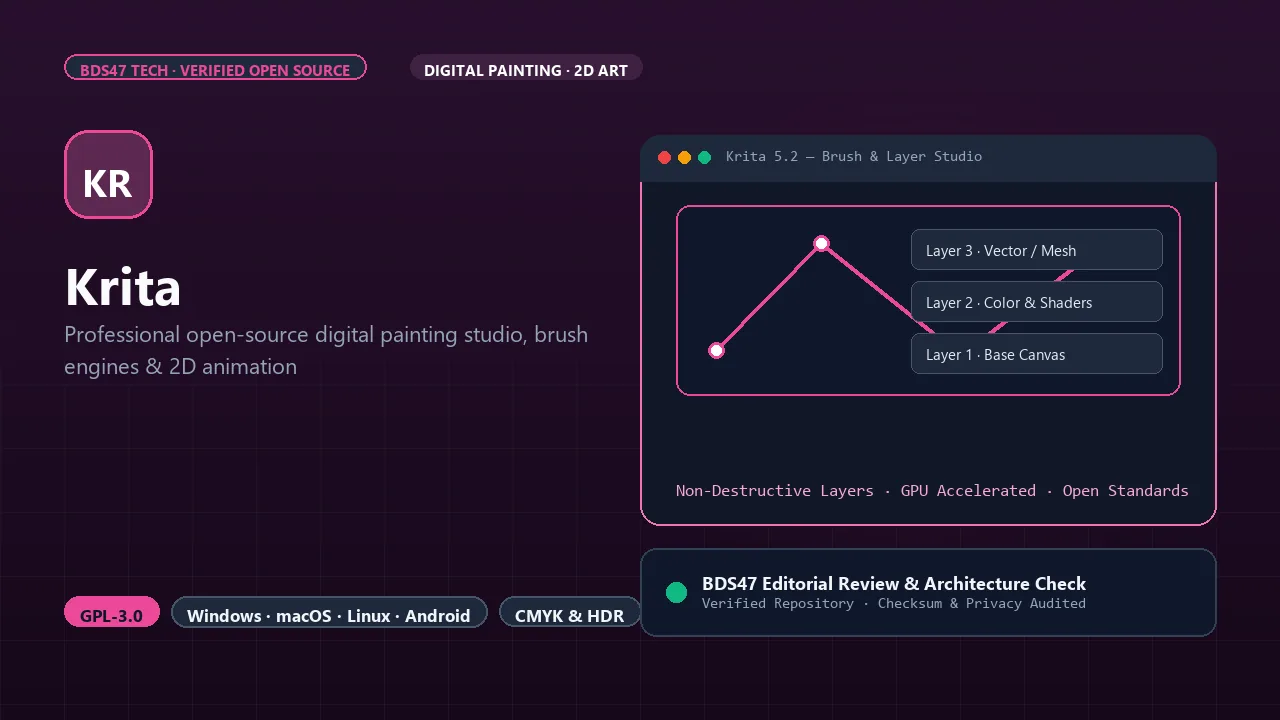
1. Technical Architecture & How Krita Works
this software features 9+ specialized brush engines, weighted stroke stabilizers, an instant right-click Pop-up Palette HUD, full CMYK and 16/32-bit float HDR OpenColorIO color management, and an onion-skinned 2D animation timeline.
| Technical Specification | Verified Details |
|---|---|
| Project & Tracked Release | this tool (Stable release: v5.2.9) |
| Upstream Repository | KDE/krita (8.900 Stars · 1.420 Forks) |
| SPDX Software License | GPL-3.0 — Open-source and auditable |
| Supported Platforms | Linux, Windows, macOS, Android |
| Resource Footprint | 8 GB RAM minimum (16 GB recommended for multi-layer 4K canvas illustrations) |
| Primary Alternatives | Clip Studio Paint / GIMP |
2. Quick Installation & CLI Deployment
To maintain clean supply-chain security and avoid third-party bundled installers, you can deploy this tool directly via official package managers or upstream release binaries:
winget install --id KDE.Krita -e
# Trên Linux / macOS:
flatpak install flathub org.kde.krita
brew install --cask krita
3. Key Engineering Strengths in Daily Use
- Over 100 artist-crafted default brushes with advanced pressure/tilt curves and three levels of stroke stabilization.
- Right-click Pop-up Palette keeps your favorite brushes, color wheel, and canvas rotation ring directly under your stylus tip.
- Instant Wrap-Around Mode (
Wkey) makes painting seamless tiling game textures effortless. - Smart Colorize Mask tool accelerates flat-coloring line art and comics in seconds.
4. Practical Limitations & Trade-Offs
- Typography and text-layout tools are less ergonomic than dedicated vector design suites like Inkscape.
- High-resolution 16-bit canvases with dozens of layers require 16 GB+ of system RAM for fluid performance.
5. Head-to-Head: this tool vs. Clip Studio Paint / GIMP
Compared to Clip Studio Paint or Procreate, the application delivers a desktop-class brush engine and 2D animation timeline completely free under GPL-3.0 when downloaded from krita.org.
6. Configuration & Security Tips from BDS47 Tech
Workflow tip: Use the platform’s Colorize Mask on your line-art layer to lay down flat base colors across complex character illustrations with just a few rough color strokes.
Official Resources & Related Open-Source Tools
- Official Project Website: Official project homepage and documentation.
- Source Code & Releases: Official upstream GitHub repository.
- Category Directory: Explore related utilities inside the Linux Software open-source catalog.
- Related Software Reviews: Compare with our in-depth KeePassXC technical review and in-depth Joplin technical review.
- Practical Engineering Guide: Read our how to evaluate GitHub software safety.


