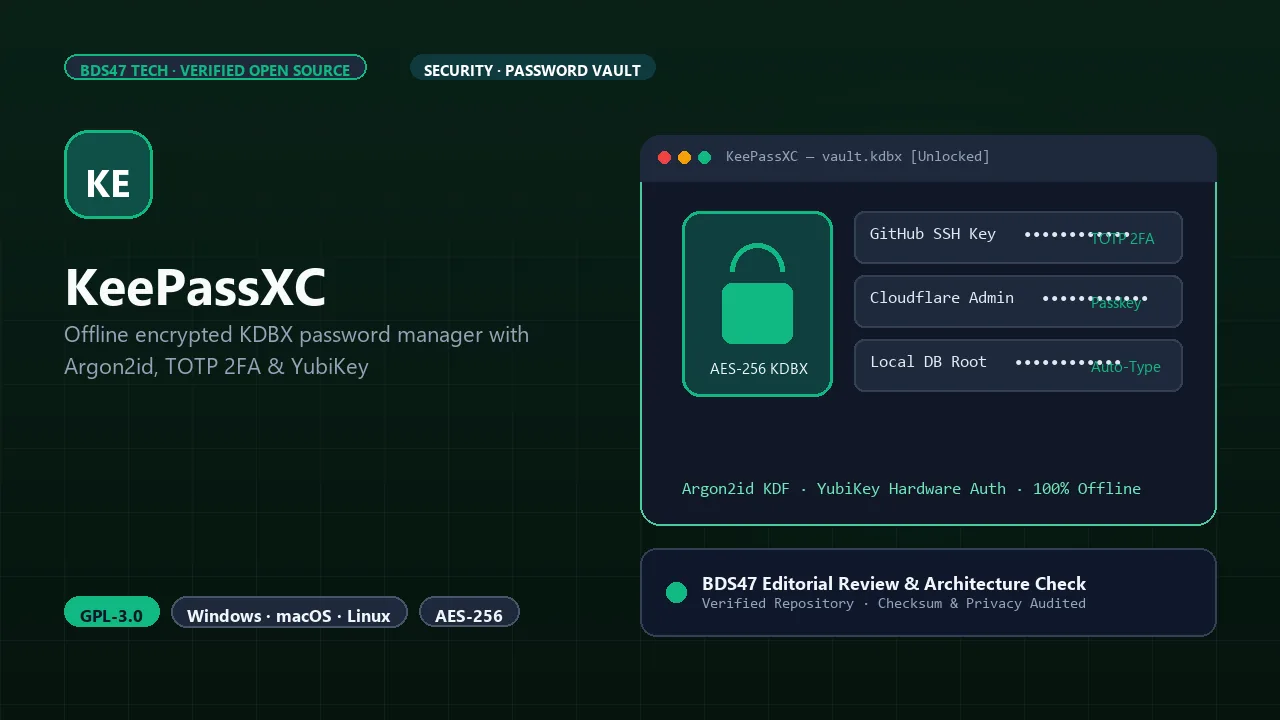
Following high-profile security incidents targeting cloud-hosted password managers, security engineers increasingly favor local, zero-knowledge vaults. KeePassXC is the premier cross-platform, GPL-3.0 open-source implementation of the KeePass KDBX cryptographic database standard.
Quick Answer: KeePassXC (GPL-3.0 license, release v2.8.0) is a verified tool supporting Windows, macOS, Linux with 29,577 GitHub stars. It avoids proprietary lock-in while offering transparent source code, predictable RAM/CPU footprint, and flexible self-hosted or local deployment.
1. Technical Architecture & How KeePassXC Works
this software stores all credentials, TOTP seeds, SSH keys, and attachments inside a single portable .kdbx (v4.1) encrypted file secured with AES-256 or ChaCha20 encryption and Argon2id key derivation. Vault unlocking supports multi-factor composite keys combining a Master Password, an offline Key File, and a YubiKey hardware token.
| Technical Specification | Verified Details |
|---|---|
| Project & Tracked Release | KeePassXC (Stable release: v2.8.0) |
| Upstream Repository | keepassxreboot/keepassxc (29.577 Stars · 1.986 Forks) |
| SPDX Software License | GPL-3.0 — Open-source and auditable |
| Supported Platforms | Windows, macOS, Linux |
| Resource Footprint | ~40–65 MB RAM · Portable encrypted .kdbx database file is only a few hundred KB |
| Primary Alternatives | Bitwarden / Vaultwarden |
2. Quick Installation & CLI Deployment
To maintain clean supply-chain security and avoid third-party bundled installers, you can deploy this tool directly via official package managers or upstream release binaries:
winget install --id KeePassXCTeam.KeePassXC -e
# On Ubuntu / Debian / macOS:
sudo apt install keepassxc
brew install --cask keepassxc
3. Key Engineering Strengths in Daily Use
- Zero-cloud attack surface: Your encrypted
.kdbxvault lives strictly on your storage devices with no subscription fees or vendor lock-in. - Official KeePassXC-Browser extension for Firefox, Chrome, Brave, and Edge uses encrypted native messaging to auto-fill web forms and Passkeys safely.
- Built-in TOTP 2FA generator, SSH Agent integration, and HaveIBeenPwned offline/k-anonymity password health auditing.
- OS-level Auto-Type sequences fill credentials into desktop apps, terminals, and RDP windows where browser extensions cannot reach.
4. Practical Limitations & Trade-Offs
- Requires personal backup discipline: losing both your Master Password/Key File or corrupting an unbacked-up
.kdbxfile means permanent data loss. - Cross-device syncing is BYO-storage (commonly paired with Syncthing, Nextcloud, or iCloud/Google Drive alongside KeePassDX on Android or KeePassium on iOS).
5. Head-to-Head: KeePassXC vs. Bitwarden / Vaultwarden
Compared to Bitwarden (which excels at cloud-synced team sharing), the application requires zero server infrastructure and keeps your entire vault in a standard local file.
6. Configuration & Security Tips from BDS47 Tech
Best practice: Configure your database encryption settings to use Argon2id with a 1.0-second transform delay, and store your optional Key File on a local drive separate from any cloud-synced folder containing the .kdbx database.
Official Resources & Related Open-Source Tools
- Official Project Website: Official project homepage and documentation.
- Source Code & Releases: Official upstream GitHub repository.
- Category Directory: Explore related utilities inside the Linux Software open-source catalog.
- Related Software Reviews: Compare with our in-depth Joplin technical review and in-depth OBS Studio technical review.
- Practical Engineering Guide: Read our essential open-source software for Windows.