Knowing how to evaluate GitHub software safety before running an installer protects your workstation from typosquatted clones, tampered binaries, and abandoned dependencies. A high star count only measures visibility over time—never whether the downloadable binary in your Downloads folder matches trusted upstream code.
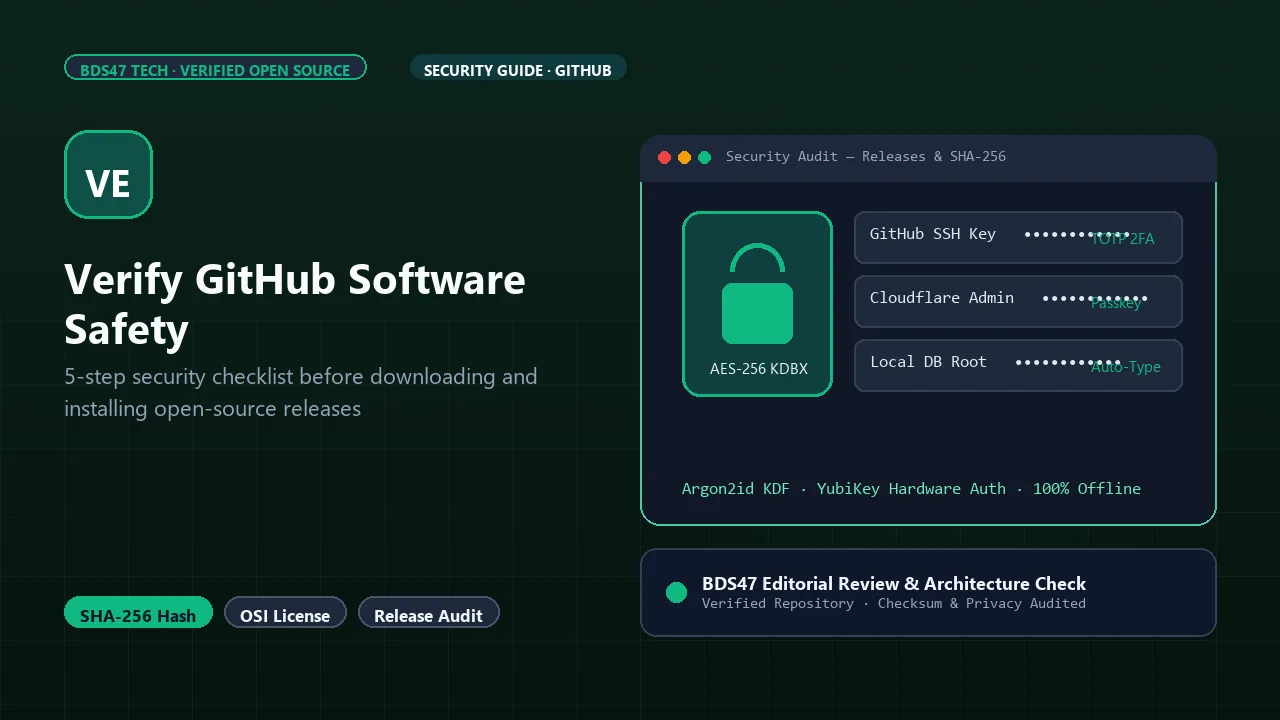
Quick Answer: Evaluate GitHub software safety in five steps: (1) reach the repository via the project’s official homepage to prevent typosquatting, (2) verify active commits and security advisories, (3) download strictly from CI-built GitHub Releases, (4) verify SHA-256 checksums locally, and (5) inspect the SPDX license and OS permissions requested.
1. Verify Repository Ownership & Avoid Typosquatted Clones
Attack campaigns frequently register lookalike organization slugs or hijack promoted search listings to distribute trojanized binaries wrapped around genuine open-source apps.
- Navigate to the repository through the vendor’s canonical domain (or verify documentation standards in GitHub Code Security Docs) instead of trusting ad-sponsored URLs.
- Check recent commit cadence, open dependency alerts, and the repository’s Security policy tab to confirm active maintenance.
- Avoid downloading executable ZIPs pasted by unknown commenters inside GitHub Issues or third-party mirror blogs.
2. Inspect Release Provenance & Verify SHA-256 Checksums
Reputable projects compile release assets transparently via reproducible CI workflows (such as GitHub Actions attestations) and attach a checksums.txt manifest alongside each release tag. Always verify file integrity before launching an installer:
# Compute SHA-256 hash on Windows PowerShell
Get-FileHash -Algorithm SHA256 "$HOME\Downloads\installer.exe"

# Compute SHA-256 hash on Linux or macOS
sha256sum ~/Downloads/installer.tar.gz
If a single character differs from the official release hash—or if a download instructs you to disable Windows Defender before extracting—delete the package immediately.
3. Five-Point GitHub Safety & Quality Matrix
| Verification Layer | Healthy Trust Signal | Red Flag — Do Not Install |
|---|---|---|
| Owner & Homepage | Verified org domain linking bidirectionally to repo | Fresh account mimicking a popular tool name |
| Release Artifacts | Built via CI/CD with checksums or Sigstore attestation | Binaries hosted on random file lockers outside Releases |
| SPDX License | Explicit MIT, Apache-2.0, MPL-2.0, or GPL-3.0 file | Missing LICENSE or misleading FOSS claims |
| Hash & Code Signing | 100% SHA-256 match prior to execution | Archive password-protected to bypass AV scanning |
| Runtime Permissions | Requests minimal folder and network scope needed | Simple offline utility demanding root/admin or telemetry |
4. Review SPDX Licenses & Default Network Exposure
Even legitimate repositories can create operational exposure if default Docker files bind admin dashboards to 0.0.0.0 without authentication or ship opt-out telemetry enabled by default. Inspect container environment flags and restrict management interfaces to 127.0.0.1 behind TLS.
Distinguishing Pure OSI FOSS From Source-Available Terms
Reading the root LICENSE file prevents surprise commercial restrictions: standard OSI licenses (MIT, Apache-2.0, MPL-2.0, GPL-3.0) guarantee open redistribution rights, whereas source-available or fair-code licenses restrict hosted multi-tenant deployments.
5. Verified Catalog Picks & Next Guides
Put this checklist into practice across audited tools on BDS47 Tech: browse our seven essential open-source Windows apps, inspect offline encryption in the KeePassXC review, or explore vetted tools in the Privacy & Security directory.