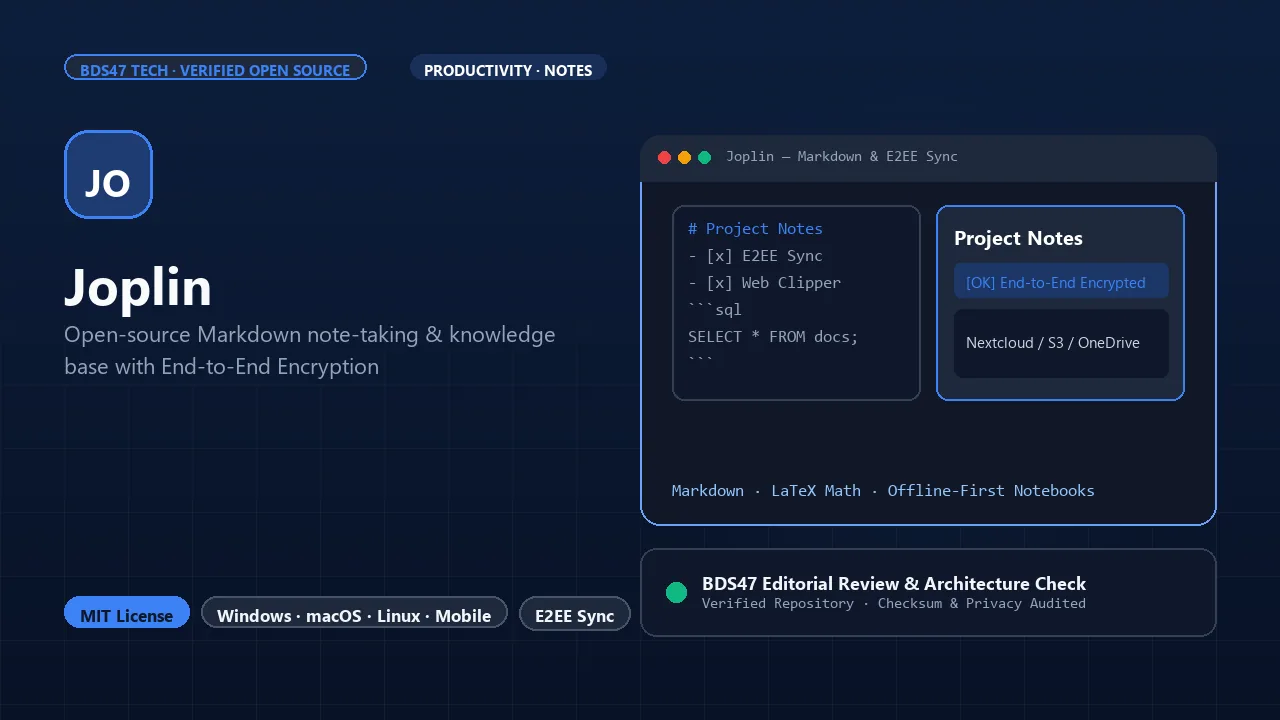
For users migrating away from Evernote, Notion, or OneNote toward open standards, Joplin provides a mature, offline-first Markdown note-taking and knowledge management suite with built-in End-to-End Encryption (E2EE) across Windows, macOS, Linux, Android, and iOS.
Quick Answer: Joplin (AGPL-3.0 license, release v3.7.22) is a verified tool supporting Windows, macOS, Linux, Android, iOS with 56,917 GitHub stars. It avoids proprietary lock-in while offering transparent source code, predictable RAM/CPU footprint, and flexible self-hosted or local deployment.
1. Technical Architecture & How Joplin Works
this software stores all notes, nested notebooks, tags, attachments, and revision histories locally in a fast SQLite database with full-text indexing. When End-to-End Encryption (E2EE) is enabled, notes and binary attachments are encrypted client-side before syncing to your chosen storage backend (Nextcloud, WebDAV, AWS S3, OneDrive, Dropbox, or this tool Cloud).
| Technical Specification | Verified Details |
|---|---|
| Project & Tracked Release | Joplin (Stable release: v3.7.22) |
| Upstream Repository | laurent22/joplin (56.917 Stars · 6.373 Forks) |
| SPDX Software License | AGPL-3.0 — Open-source and auditable |
| Supported Platforms | Windows, macOS, Linux, Android, iOS |
| Resource Footprint | ~180–320 MB RAM (Electron desktop app) · Local Markdown + SQLite database storage |
| Primary Alternatives | Obsidian / Logseq |
2. Quick Installation & CLI Deployment
To maintain clean supply-chain security and avoid third-party bundled installers, you can deploy the application directly via official package managers or upstream release binaries:
winget install --id LaurentCoisne.Joplin -e
# Or on Linux / macOS:
brew install --cask joplin
3. Key Engineering Strengths in Daily Use
- Offline-first architecture with zero vendor lock-in: export your entire notebook hierarchy to raw Markdown directories or lossless
.jexarchives at any time. - Outstanding Joplin Web Clipper browser extension converts complex technical articles and documentation pages into clean Markdown with local images.
- Native support for KaTeX math expressions, Mermaid diagrams, rich table editing, note history revisions, and a growing plugin ecosystem.
- Flexible BYO-cloud synchronization with client-side End-to-End Encryption (E2EE).
4. Practical Limitations & Trade-Offs
- Initial synchronization over WebDAV or OneDrive can be slow when syncing thousands of small attachment files.
- Unlike Obsidian, Joplin stores active notes inside a local SQLite database rather than a raw folder of
.mdfiles on disk (though full Markdown export is built in).
5. Head-to-Head: Joplin vs. Obsidian / Logseq
Compared to Obsidian (which is closed-source and charges for official E2EE sync), the platform is open-source and includes native encrypted synchronization with OneDrive, Dropbox, and WebDAV out of the box.
6. Configuration & Security Tips from BDS47 Tech
Sync tip: Enable End-to-End Encryption on your primary desktop client first and let the initial encrypted upload finish completely before connecting secondary mobile devices.
Official Resources & Related Open-Source Tools
- Official Project Website: Official project homepage and documentation.
- Source Code & Releases: Official upstream GitHub repository.
- Category Directory: Explore related utilities inside the Linux Software open-source catalog.
- Related Software Reviews: Compare with our in-depth KeePassXC technical review and in-depth OBS Studio technical review.
- Practical Engineering Guide: Read our top open-source applications for Windows.