Apple users often praise Continuity between iPhone and Mac, but the open-source ecosystem has its own powerhouse: KDE Connect. Developed by the KDE community, it bridges your Android phone (and iOS) with Linux and Windows desktops directly over your local Wi-Fi network with TLS encryption and zero cloud servers.
Quick Answer: KDE Connect (GPL-2.0 license, release v24.12.3) is a verified tool supporting Android, Linux, Windows, macOS, iOS with 4,900 GitHub stars. It avoids proprietary lock-in while offering transparent source code, predictable RAM/CPU footprint, and flexible self-hosted or local deployment.
1. Technical Architecture & How KDE Connect Works
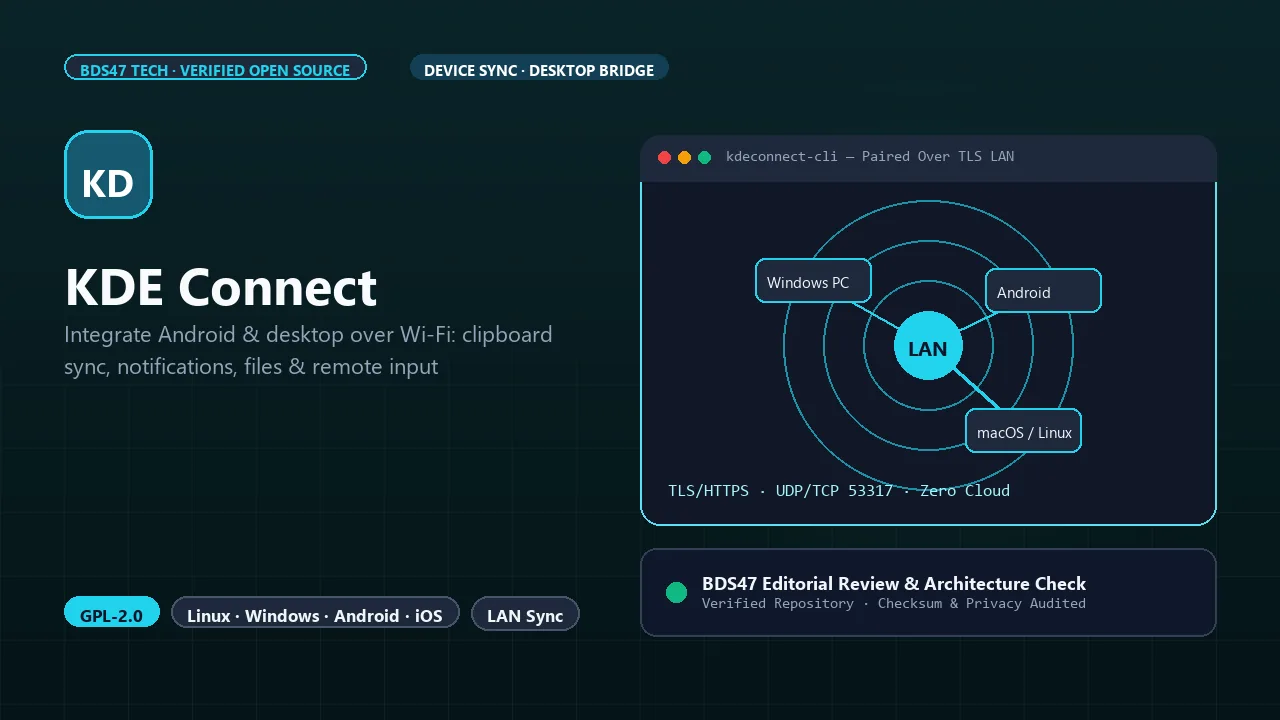
this software communicates over local UDP/TCP ports 1714–1764 using mutual TLS certificate pairing. Once paired, a modular plugin architecture synchronizes clipboards, notifications, media playback controls (MPRIS), and file streams entirely over the local LAN.
| Technical Specification | Verified Details |
|---|---|
| Project & Tracked Release | this tool (Stable release: v24.12.3) |
| Upstream Repository | KDE/kdeconnect-kde (4.900 Stars · 620 Forks) |
| SPDX Software License | GPL-2.0 — Open-source and auditable |
| Supported Platforms | Android, Linux, Windows, macOS, iOS |
| Resource Footprint | ~35–60 MB tray footprint · Minimal Android battery drain (< 1–2% per day) |
| Primary Alternatives | LocalSend / Microsoft Phone Link |
2. Quick Installation & CLI Deployment
To maintain clean supply-chain security and avoid third-party bundled installers, you can deploy this tool directly via official package managers or upstream release binaries:
winget install --id KDE.KDEConnect -e
# On Ubuntu / Fedora / GNOME (or via GSConnect extension):
sudo apt install kdeconnect
3. Key Engineering Strengths in Daily Use
- Shared Clipboard & Notification Sync: Copy text on your desktop to paste on your phone, read mobile notifications on screen, and auto-pause PC media during incoming phone calls.
- Remote Input & Presentation Pointer: Use your phone’s touchscreen as a wireless trackpad, keyboard, and laser pointer for slideshows.
- Run Custom Commands: Trigger pre-approved shell scripts on your PC (such as locking the screen, suspending, or switching audio outputs) from your phone.
- Includes Find My Phone ring trigger, battery level monitoring, and SFTP filesystem browsing.
4. Practical Limitations & Trade-Offs
- Android 10+ OS restrictions require tapping the persistent notification (or granting a one-time ADB permission) to push clipboard changes from phone to PC.
- Requires opening local firewall ports
1714–1764(TCP/UDP) if your desktop uses a strict firewall profile.
5. Head-to-Head: this tool vs. LocalSend / Microsoft Phone Link
Compared to Microsoft Phone Link (which requires a Microsoft cloud account), the application operates 100% locally over LAN and works natively across Linux and Windows.
6. Configuration & Security Tips from BDS47 Tech
Linux GNOME tip: If you use Ubuntu or Fedora with the GNOME desktop, install the GSConnect GNOME Shell extension—it implements the exact the platform protocol natively inside GNOME’s top bar without pulling in KDE dependencies.
Official Resources & Related Open-Source Tools
- Official Project Website: Official project homepage and documentation.
- Source Code & Releases: Official upstream GitHub repository.
- Category Directory: Explore related utilities inside the Android Apps open-source catalog.
- Related Software Reviews: Compare with our in-depth LocalSend technical review and in-depth Organic Maps technical review.
- Practical Engineering Guide: Read our LocalSend vs KDE Connect workflow comparison.