
When you need a clean, responsive web interface to browse, upload, preview, and share files stored on a remote server or local NAS without the operational overhead of a massive PHP/MySQL suite like Nextcloud, FileBrowser is the gold standard. Written in Go, it runs from a single native binary.
Quick Answer: FileBrowser (Apache-2.0 license, release v2.32.0) is a verified tool supporting Windows, Linux, macOS, Docker with 26,800 GitHub stars. It avoids proprietary lock-in while offering transparent source code, predictable RAM/CPU footprint, and flexible self-hosted or local deployment.
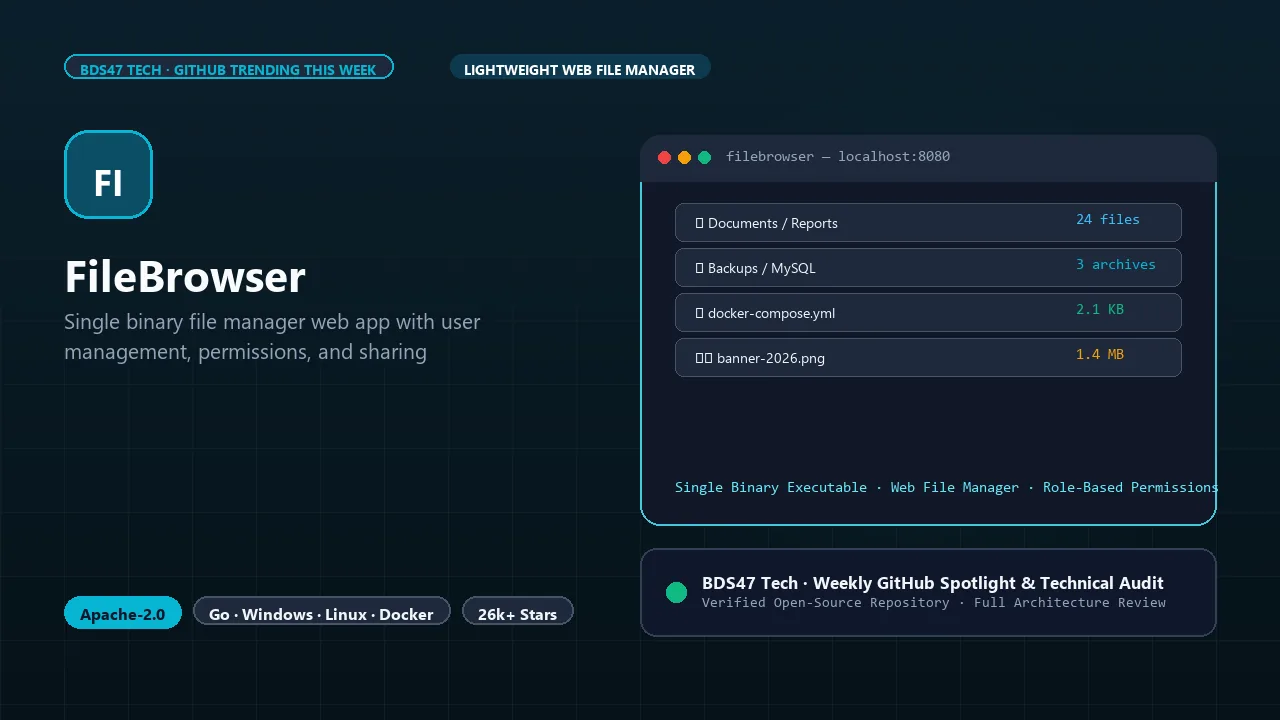
1. Technical Architecture & How FileBrowser Works
this software pairs a compiled Go server daemon with an intuitive Vue.js frontend and an embedded Bolt/SQLite database for user credential storage. It maps directly to existing host directories with zero vendor lock-in, offering granular user permission switches and password-protected public share links.
| Technical Specification | Verified Details |
|---|---|
| Project & Tracked Release | this tool (Stable Release: v2.32.0) |
| GitHub Repository | filebrowser/filebrowser (26.800 Stars · 3.100 Forks) |
| SPDX License | Apache-2.0 — Open-source and auditable |
| Supported Platforms | Windows, Linux, macOS, Docker |
| Resource Footprint | Ultra-light ~20–35 MB RAM · Single native Go binary under 30 MB |
| Primary Alternatives | Nextcloud / Cloudreve / Alist |
2. Quick Installation & CLI Deployment
Deploy this tool directly using upstream official package managers or command-line pipelines:
docker run -d --name filebrowser
  -v /duong_dan_thu_muc:/srv
  -v /opt/filebrowser/database.db:/database/filebrowser.db
  -v /opt/filebrowser/settings.json:/config/settings.json
  -p 8080:80
  filebrowser/filebrowser:v2-s6
3. Key Engineering Strengths in Daily Use
- Tiny resource consumption (<30 MB RAM) running from a single binary or lightweight Docker container.
- Rich in-browser file previews for video streams, audio playback, PDF documents, and image galleries.
- Built-in code and markdown text editor with live file saving directly on the host.
- Granular multi-user access controls and expiring password-protected public download links.
4. Practical Limitations & Trade-Offs
- Strictly focused on file management—lacks calendar, contact sync, or document collaboration features found in larger suites like Nextcloud.
5. Head-to-Head: this tool vs. Nextcloud / Cloudreve / Alist
Compared to Nextcloud (which requires heavy PHP/database maintenance), the application is 50x lighter and sits cleanly atop your existing directories without altering folder structures.
6. Configuration & Security Tips from BDS47 Tech
First-launch security checklist: Default credentials are admin / admin. Navigate immediately to Settings → Users to update your admin credentials before binding the port beyond your local network.
Production Deployment, Security & Backup Best Practices
When moving any self-hosted service or local workspace from initial testing into daily production, isolate the container listener behind a TLS reverse proxy such as Caddy or Nginx rather than exposing raw HTTP ports directly on a public interface. Binding web interfaces to loopback addresses prevents unencrypted credential interception and simplifies automated Let’s Encrypt certificate renewal.
Before upgrading major container tags, stop the running service or trigger an atomic SQLite snapshot so embedded configuration state, user permissions, and historical telemetry remain consistent. Pinning explicit semantic version tags inside Compose manifests prevents unexpected breaking schema migrations when pulling upstream releases, while scheduled off-site volume backups allow full disaster recovery on fresh hardware within minutes.
Finally, monitor resident memory usage under sustained load and configure explicit container restart policies alongside resource limits so background tasks cannot starve co-hosted applications on smaller single-board computers or 1–2 GB virtual private servers.
Official Resources & Related Open-Source Tools
- Official Project Website: Official project homepage and documentation.
- Source Code & Releases: Official upstream GitHub repository.
- Category Directory: Explore related utilities inside the Linux Software open-source catalog.
- Related Software Reviews: Compare with our in-depth KeePassXC technical review and in-depth Joplin technical review.
- Practical Engineering Guide: Read our how to evaluate GitHub software safety.


