
Comparing LocalSend vs KDE Connect helps you pick the right open-source tool for bridging mobile devices and desktop workstations over local Wi-Fi. One focuses strictly on zero-pairing file transfers across every major OS, while the other delivers deep phone-to-PC integration with shared clipboards, notifications, and remote input.
Quick Answer: Choose LocalSend (Apache-2.0, v1.18.2) when you want effortless, ad-hoc file sharing across Windows, macOS, Linux, Android, and iOS with zero pairing setup. Choose KDE Connect (GPL-2.0) on Android plus Linux or Windows when you want persistent clipboard sync, notification mirroring, and media controls.
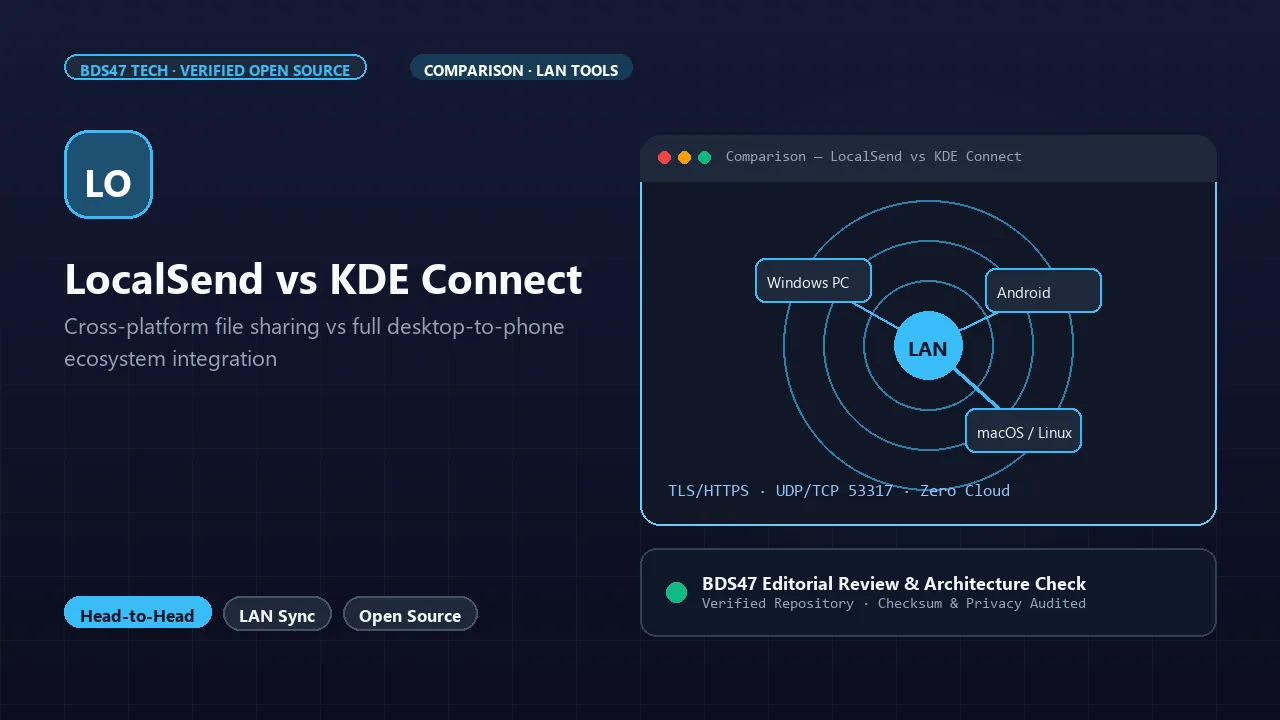
1. Feature & Architecture Comparison Table
Both open-source projects operate directly inside your local network without cloud relays, yet they solve distinctly different everyday workflows and carry different RAM footprints:
| Evaluation Dimension | LocalSend | KDE Connect |
|---|---|---|
| SPDX License | Apache-2.0 | GPL-2.0 |
| Primary Focus | Ad-hoc LAN file, folder, and text sharing | Deep integration: files, clipboard, notifications, remote input, media control |
| Apple Ecosystem Parity | First-class support on iOS, iPadOS, and macOS | Best on Android + Linux KDE; iOS capabilities constrained by OS background limits |
| Pairing Requirement | Zero persistent pairing required for transfers | Requires one-time pairing and background notification/accessibility permissions |
| Background Footprint | On-demand launch (~40 MB RAM) | Persistent daemon (~55 MB RAM) relaying notifications and clipboard events |
2. When Ad-Hoc LAN File Transfer Wins
Built under localsend/localsend, this cross-platform utility shines whenever you move files across mixed hardware like an iPhone, Windows gaming PC, and Linux server without permanent pairing friction.
- Cross-OS households and offices: Ideal AirDrop alternative when Windows, Android, and Apple devices share one office Wi-Fi router.
- Ad-hoc transfers with minimal permissions: Launch it only when sending files without granting continuous system notification access.
- Easy Windows onboarding: Follow our walkthrough to install LocalSend on Windows in two minutes.
3. When Deep Phone-to-Desktop Integration Earns Its Spot
Maintained by the KDE community (KDE/kdeconnect-kde), this integration suite transforms an Android phone into a live companion controller for Linux and Windows desktops.
- Instant Shared Clipboard: Copy code snippets or URLs on your desktop and paste directly on Android.
- Desktop Notification & Battery Mirroring: View phone alerts, incoming call warnings, and battery status without reaching for your pocket.
- Remote Touchpad & Media Pause: Pause desktop playback automatically on incoming calls or use your phone screen as a wireless presentation remote.
Security & Privacy Behavior on Shared Networks
Both applications encrypt local payload streams over TLS using per-device keys, preventing plaintext snooping on Wi-Fi. On busy office networks, persistent device pairing ensures only trusted hardware can push clipboard updates or remote commands to your workstation.
4. Full Software Reviews & Related Guides
You can safely run both tools side by side since they target complementary jobs. Read the detailed telemetry breakdowns in our LocalSend technical review and KDE Connect software review.