From software engineers recording product demos and educators producing courseware to professional broadcast studios, OBS Studio (Open Broadcaster Software) is the undisputed GPL-2.0 open-source standard for real-time video compositing, screen recording, and live streaming.
Quick Answer: OBS Studio (GPL-2.0 license, release v31.0.2) is a verified tool supporting Windows, macOS, Linux with 66,400 GitHub stars. It avoids proprietary lock-in while offering transparent source code, predictable RAM/CPU footprint, and flexible self-hosted or local deployment.
1. Technical Architecture & How OBS Studio Works
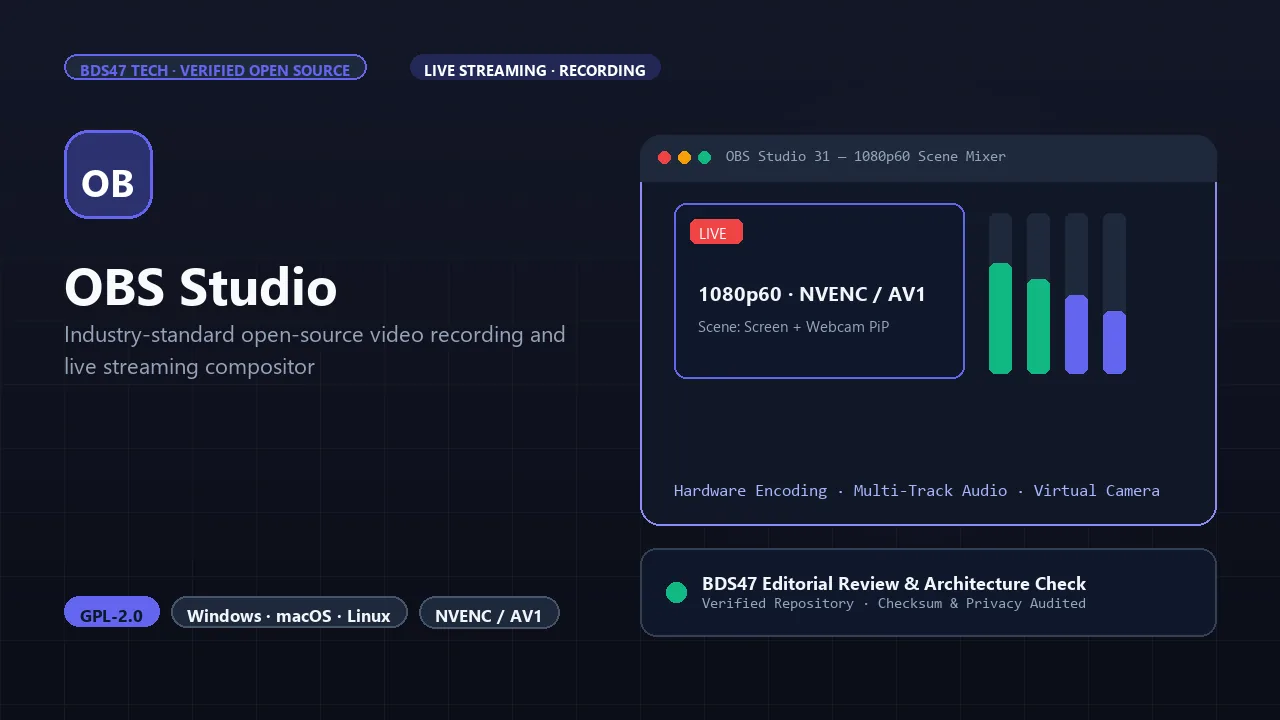
this software uses a GPU-accelerated scene-graph compositor combining multiple video/audio sources with real-time shader filters and hardware encoders—including NVIDIA NVENC, AMD AMF, Intel QSV, and Apple VT for H.264, HEVC, and AV1 output.
| Technical Specification | Verified Details |
|---|---|
| Project & Tracked Release | this tool (Stable release: v31.0.2) |
| Upstream Repository | obsproject/obs-studio (66.400 Stars · 8.650 Forks) |
| SPDX Software License | GPL-2.0 — Open-source and auditable |
| Supported Platforms | Windows, macOS, Linux |
| Resource Footprint | ~250–500 MB RAM · < 5% CPU load when using Hardware Encoders (NVENC / QSV / AMF) |
| Primary Alternatives | ShareX / SimpleScreenRecorder |
2. Quick Installation & CLI Deployment
To maintain clean supply-chain security and avoid third-party bundled installers, you can deploy this tool directly via official package managers or upstream release binaries:
winget install --id OBSProject.OBSStudio -e
# On Linux (Ubuntu / Flatpak):
flatpak install flathub com.obsproject.Studio
3. Key Engineering Strengths in Daily Use
- Hardware-accelerated encoding (NVENC, QSV, AMF) records crisp 1080p60 and 4K60 video with minimal CPU overhead.
- Built-in studio audio pipeline includes RNNoise AI noise suppression, 3-band EQ, sidechain compression, and VST2/3 plugin support.
- Crash-resilient MKV and Hybrid MP4 recording formats prevent file corruption if your system loses power mid-recording.
- Built-in Virtual Camera feeds composed scenes directly into Zoom, Microsoft Teams, Discord, and Google Meet.
4. Practical Limitations & Trade-Offs
- Focused strictly on live capture and broadcast compositing—post-production timeline editing requires a separate NLE (such as Kdenlive or DaVinci Resolve).
- Requires running the Auto-Configuration Wizard on first launch to match bitrate and encoder settings to your GPU.
5. Head-to-Head: this tool vs. ShareX / SimpleScreenRecorder
Compared to ShareX (ideal for quick 30-second bug-report clips), the application is built for long-form tutorials, multi-source presentations, studio audio filtering, and live broadcasts.
6. Configuration & Security Tips from BDS47 Tech
Audio clarity tip: Click the gear icon next to Mic/Aux → Filters and add Noise Suppression (RNNoise) followed by a Compressor filter—your voice recordings will immediately sound clean and broadcast-ready.
Official Resources & Related Open-Source Tools
- Official Project Website: Official project homepage and documentation.
- Source Code & Releases: Official upstream GitHub repository.
- Category Directory: Explore related utilities inside the Linux Software open-source catalog.
- Related Software Reviews: Compare with our in-depth KeePassXC technical review and in-depth Joplin technical review.
- Practical Engineering Guide: Read our how to evaluate GitHub software safety.