
OpenMotion has surpassed 14,100 GitHub stars by giving creators what black-box video generators lack: full layer-level editability. Billed as an open-source alternative to Claude Motion and CapCut, it analyzes a reference clip and rebuilds its motion structure in HTML tailored to your brand kit.
Instead of accepting uneditable AI MP4 outputs, OpenMotion breaks reference clips into shots, transitions, and missing assets inside a live timeline Studio. Users can adjust timing directly or steer edits with their own coding agent before exporting crisp MP4 videos locally under Apache-2.0.
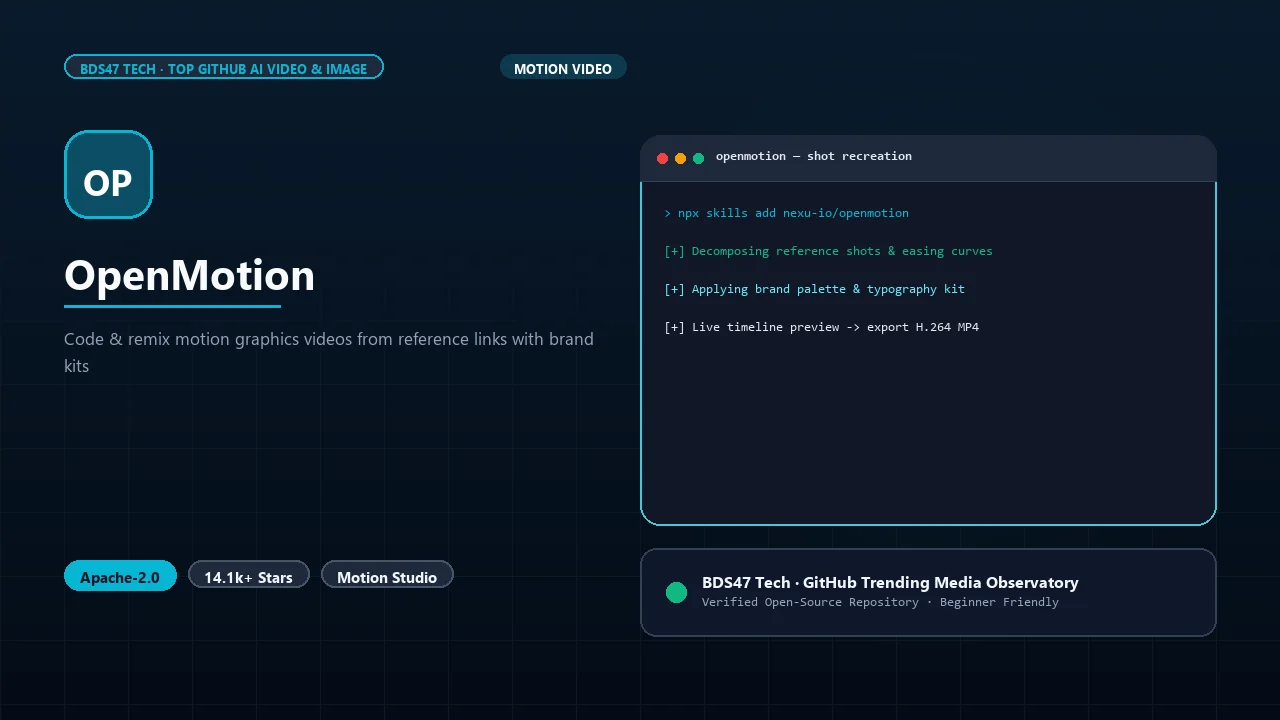
1. What is OpenMotion? Accessible Motion Design Explained
Quick Answer for Beginners: OpenMotion is an Apache-2.0 open-source motion graphics studio. Upload a reference clip or paste a link, apply your logo and color palette through an interactive coding agent, tweak timing inside Studio, and export a clean MP4 without monthly design software subscriptions.
1.1 Reverse-Engineering Great Motion Without Keyframe Guesswork
Many beginners spot slick product launch reels online yet struggle to replicate smooth easing curves, text pacing, and shot transitions from scratch. OpenMotion tackles this by letting an AI agent break down the structure of a reference clip shot by shot.
It then swaps in your own Brand Kit colors, typography, and copy using editable web animation code rather than forcing you to fight hundreds of manual keyframes.
1.2 BYOA (Bring Your Own Agent) Flexibility
Instead of locking users behind a proprietary chatbot paywall, the BYOA design works with existing AI coding assistants like Claude Code or Codex through a single standardized skill package.
2. System Requirements & Workstation Setup
Because animations are built as web compositions and exported via headless browser/FFmpeg pipelines, standard developer laptops handle projects smoothly.
| Setup Profile | Processor & Graphics | Recommended RAM | Prerequisites | Workflow Speed |
|---|---|---|---|---|
| Standard Laptop | 4–8 core CPU (Intel/AMD/Apple Silicon) | 8–16 GB RAM | Node.js + Studio npm package | Smooth 60 fps browser preview |
| Creator Desktop | 8+ core CPU | 16 GB RAM | Node.js + FFmpeg | Quick multi-scene MP4 exports |
| Agent Skill Workflow | Paired with Claude Code / Codex | 8 GB RAM | npx skills add nexu-io/openmotion | Automated shot breakdown & branding |
Preparing Brand Kit Assets & Font Licensing Before Rendering
Clean motion remakes depend on providing crisp vector SVG logos, defined hex brand colors, and licensed web fonts up front. Storing those brand tokens inside your project folder prevents your coding agent from guessing random colors or generic system fonts when generating new scenes.
Because final rendering runs locally through browser engines and FFmpeg, verify that all custom fonts load properly inside Studio preview before committing to high-resolution 60 fps MP4 exports.
3. Beginner Installation Walkthrough
You can attach the skill directly to an existing AI coding agent or clone the repository cleanly without heavy LFS sample assets.
Step 1: Add the OpenMotion Skill to Your AI Agent
Open your project terminal and install the official skill bundle with one npx command so your coding assistant understands the Studio commands and project format.
Once installed, paste a short reference video or share the path of a local screen recording in chat and describe which headlines, product visuals, and brand colors should replace the original elements.
npx skills add nexu-io/openmotion --skill openmotionStep 2: Fast Repository Clone Without Heavy Demo Assets
If you want to inspect the full studio source code locally, use the lightweight Git clone flags from the official documentation and review docs/install.md.
Having Node.js LTS and FFmpeg accessible in your terminal path ensures that local Studio previews transition seamlessly to downloadable MP4 files for social publishing.
git -c filter.lfs.process= -c filter.lfs.smudge= -c filter.lfs.required=false clone --depth 1 --single-branch --branch main https://github.com/nexu-io/openmotion.git
cd openmotion
4. Four Creative Workflows Powered by OpenMotion
Blending reference-driven composition with visual timeline adjustments accelerates marketing and software storytelling.
4.1 Brand-Consistent Social Ad Remakes
Take the pacing and camera rhythm of an inspiring product reel, then apply your own brand palette, fonts, and copy automatically while respecting trademark originality.
4.2 Interactive Timeline Polishing in Studio
Adjust individual transition timings and preview motion curves visually inside Studio instead of re-prompting an opaque generator repeatedly.
4.3 Animated Software Release Highlights
Convert dry changelog bullet points into punchy 30-second motion announcements for social feeds and launch pages.
4.4 Unified Asset Synthesis Inside One Project
Generate missing icons, illustrations, or overlays on demand during scene reconstruction while keeping the timeline coherent.
5. Balanced Pros and Cons
At release v0.2.0, the project already showcases strong architecture while still maturing rapidly.
Major Strengths
- Editable Motion Code Instead of Flat MP4 Boxes: Fix text typos or nudge timing immediately without regenerating everything.
- Bring Your Own Agent Design: Uses coding agents you already subscribe to rather than charging double.
- Apache-2.0 Open License: Suitable for personal creators, agencies, and commercial engineering teams.
- Clear Multilingual Docs: English, Chinese, and Japanese documentation lower friction globally.
Current Limitations
- Early v0.2.0 Maturity: Rapid iteration means commands and preset templates evolve quickly between minor releases.
- Depends on an External Agent for Full Magic: Using Studio without an AI coding assistant loses the automated reference-deconstruction step.
- Focused on Motion Graphics: Not designed for photorealistic human video generation or camera tracking VFX.
6. OpenMotion vs HyperFrames and After Effects
Compare how it fits alongside a pure HTML-to-MP4 renderer and traditional pro motion software.
| Dimension | OpenMotion | HyperFrames | Adobe After Effects |
|---|---|---|---|
| Starting Workflow | Decompose reference video into brand remake | Author HTML/CSS & GSAP scenes from scratch | Manual timeline keyframing |
| Editability | HTML scenes + interactive Studio timeline | Code scenes + live browser preview | Complex proprietary layer panels |
| Licensing | Apache-2.0 Free Open Source | Apache-2.0 Free Open Source | Monthly paid Creative Cloud |
| Best For | Brand-matched marketing motion remakes | Automated SaaS/data video pipelines | Broadcast VFX & intricate 3D compositing |
Motion templates powered by web standards also avoid vendor-specific project lock-in. When your marketing team updates a brand color palette or headline font six months later, updating one CSS stylesheet immediately refreshes past product showcase reels without digging through nested proprietary compositions.
For agencies serving multiple clients, pairing an agent-ready reference decomposer with consistent visual timeline previews strikes a practical balance between automated speed and human design taste.
Non-technical founders can also duplicate approved Studio templates across product announcements, onboarding clips, and social carousels while keeping frame-accurate typography without hiring an external motion studio for every minor campaign revision.
7. Frequently Asked Questions
7.1 Can beginners modify scenes without writing CSS manually?
Yes. The visual Studio preview lets you adjust timing cleanly, while your connected coding agent updates underlying HTML/CSS markup from plain-English instructions.
7.2 Why does the setup command disable Git LFS filters during cloning?
Skipping LFS downloads avoids pulling large binary sample assets during initial checkout so the codebase downloads in seconds.
7.3 How does it differ from HyperFrames?
HyperFrames focuses purely on lightweight deterministic HTML-to-MP4 rendering, while OpenMotion specializes in breaking down reference videos and applying brand kits in Studio.
7.4 Can agencies use it for client commercials?
Yes. Apache-2.0 grants commercial freedom provided you only reuse structural motion pacing alongside original brand copy, artwork, and licensed media.
8. BDS47 Tech Verdict
OpenMotion earns a 9.0 / 10 score for pioneering an agent-driven, studio-editable motion graphics pipeline under a clean Apache-2.0 license. Marketers, indie founders, and UI designers gain a fast bridge from visual inspiration to customized MP4 production.
Start by preparing a compact brand kit folder containing your SVG logo, two primary brand hex colors, and crisp product screenshots. Feeding clean inputs into your agent workflow produces noticeably cleaner motion compositions than vague one-line text prompts alone.
By decoupling motion structure from raw generated video pixels, beginners also learn real pacing fundamentals while building reusable launch templates they truly own.
If you want open-weights diffusion models that synthesize natural live-action scenes from text or still images on your GPU, continue to our Wan2.2 guide next.


