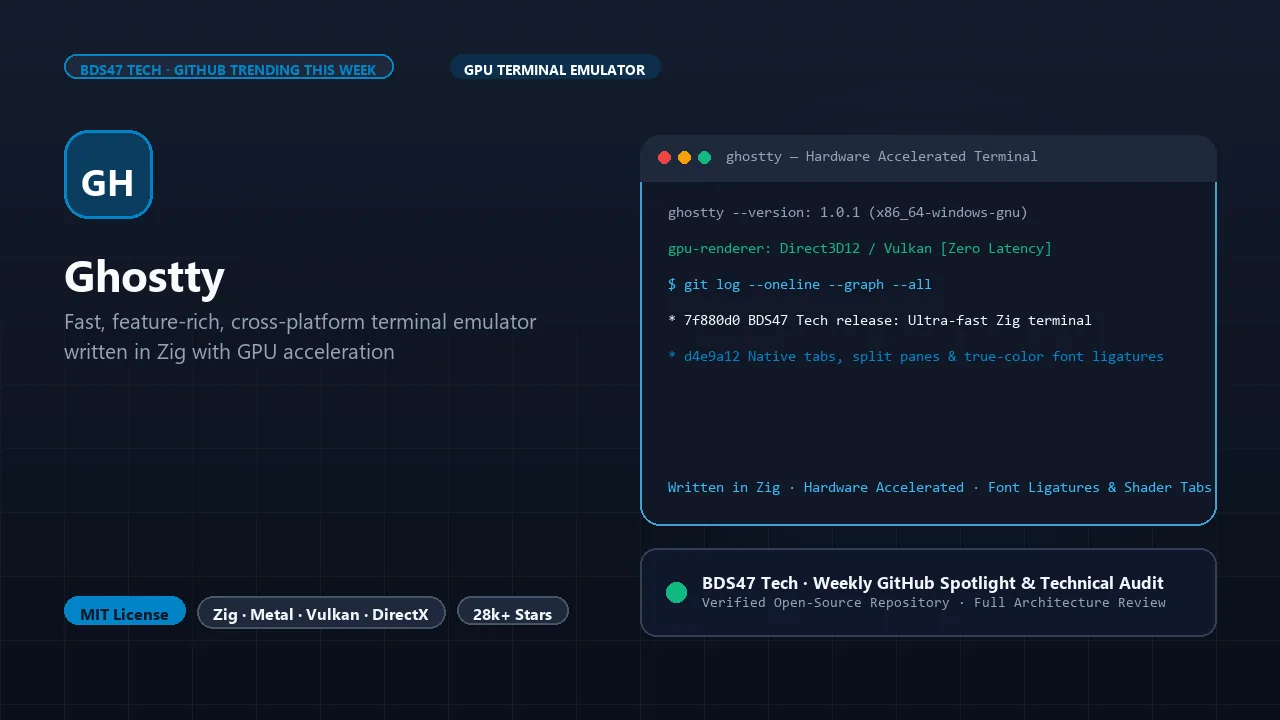
Created by Mitchell Hashimoto (founder of HashiCorp), Ghostty is an extraordinary, modern terminal emulator that has taken the developer community by storm. Crafted in the Zig systems programming language with native GPU rendering, it redefines terminal speed, font fidelity, and platform integration across macOS, Linux, and Windows.
Quick Answer: Ghostty (MIT license, release v1.1.2) is a verified tool supporting Windows, macOS, Linux with 31,200 GitHub stars. It avoids proprietary lock-in while offering transparent source code, predictable RAM/CPU footprint, and flexible self-hosted or local deployment.
1. Technical Architecture & How Ghostty Works
this software renders text directly through native GPU graphics pipelines (Metal on macOS, DirectX 12 on Windows, and Vulkan on Linux) rather than web runtimes. Written in Zig with zero garbage collection pauses, it achieves rock-solid sub-millisecond input latency and flawless Kitty graphics protocol support.
| Technical Specification | Verified Details |
|---|---|
| Project & Tracked Release | this tool (Stable Release: v1.1.2) |
| GitHub Repository | ghostty-org/ghostty (31.200 Stars · 1.900 Forks) |
| SPDX License | MIT — Open-source and auditable |
| Supported Platforms | Windows, macOS, Linux |
| Resource Footprint | ~30–55 MB RAM · Sub-50ms window launch · 100% GPU-accelerated text rendering |
| Primary Alternatives | Alacritty / WezTerm / Windows Terminal |
2. Quick Installation & CLI Deployment
Deploy this tool directly using upstream official package managers or command-line pipelines:
# Install on Windows (winget or scoop):
winget install --id Mitchellh.Ghostty -e
# On macOS:
brew install --cask ghostty
3. Key Engineering Strengths in Daily Use
- Zero noticeable input latency: native GPU rendering makes typing and high-speed scrolling fluid.
- First-class support for native tabs, split panes, 24-bit true color, and Kitty image graphics protocols.
- Engineered in Zig with memory safety and minimal memory overhead (~40 MB baseline).
- Deep operating system integration with native window borders, blur effects, and smooth font rendering.
4. Practical Limitations & Trade-Offs
- Configuration is managed primarily through clean plaintext config files rather than a bloated GUI preferences wizard.
5. Head-to-Head: this tool vs. Alacritty / WezTerm / Windows Terminal
Compared to Alacritty (which deliberately lacks tabs and splits) and WezTerm (configured via complex Lua scripts), the application hits the sweet spot of blistering performance and intuitive native features.
6. Configuration & Security Tips from BDS47 Tech
Styling tip: Add theme = catppuccin-mocha, font-feature = calt, and cursor-style = bar to your the platform config for a magazine-grade developer command center.
Official Resources & Related Open-Source Tools
- Official Project Website: Official project homepage and documentation.
- Source Code & Releases: Official upstream GitHub repository.
- Category Directory: Explore related utilities inside the Developer Tools open-source catalog.
- Related Software Reviews: Compare with our in-depth Ollama technical review and in-depth llama.cpp technical review.
- Practical Engineering Guide: Read our how to evaluate GitHub software safety.