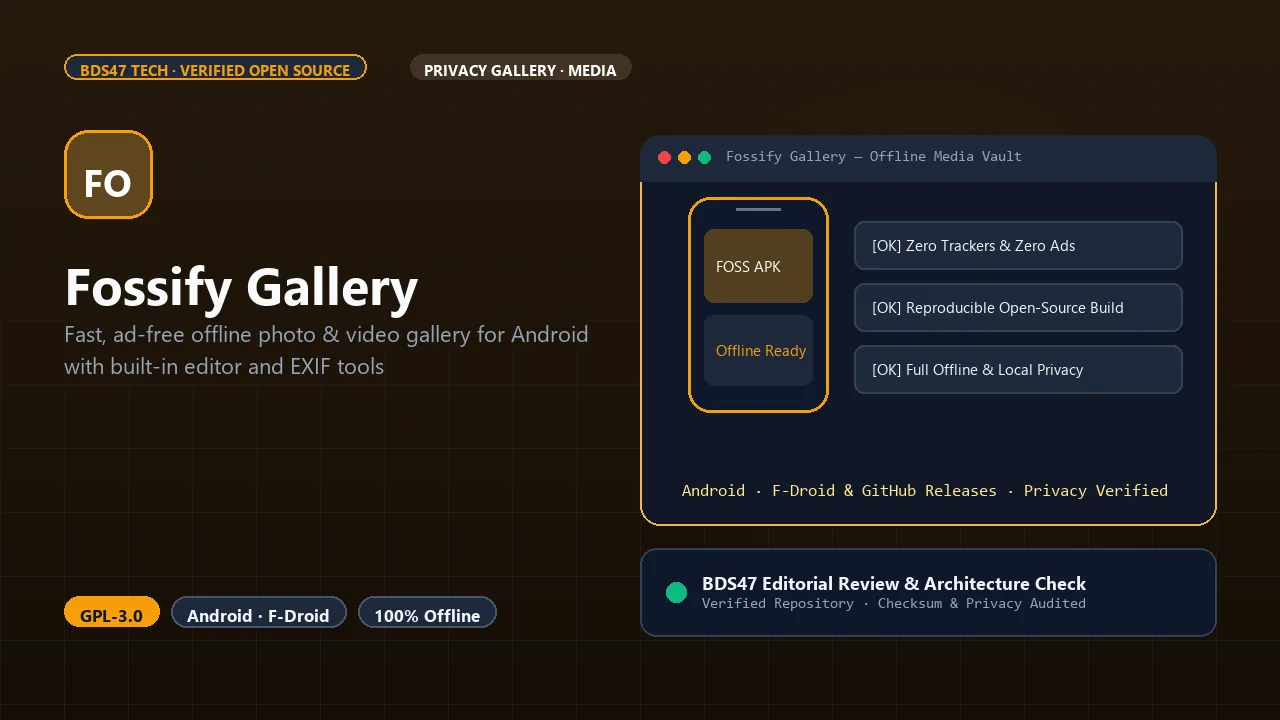
Many pre-installed Android gallery apps today are bloated with cloud storage upsells, intrusive ads, and unnecessary internet permissions. Fossify Gallery (the community-led successor to Simple Mobile Tools Gallery) delivers a lightning-fast, GPL-3.0 offline photo and video manager with zero network access.
Quick Answer: Fossify Gallery (GPL-3.0 license, release v1.4.2) is a verified tool supporting Android with 3,650 GitHub stars. It avoids proprietary lock-in while offering transparent source code, predictable RAM/CPU footprint, and flexible self-hosted or local deployment.
1. Technical Architecture & How Fossify Gallery Works
Written in native Kotlin with Material You dynamic theming, this software’s AndroidManifest.xml completely omits the android.permission.INTERNET permission—guaranteeing at the OS kernel level that your private photos and EXIF metadata can never leave your device.
| Technical Specification | Verified Details |
|---|---|
| Project & Tracked Release | this tool (Stable release: v1.4.2) |
| Upstream Repository | FossifyOrg/Gallery (3.650 Stars · 210 Forks) |
| SPDX Software License | GPL-3.0 — Open-source and auditable |
| Supported Platforms | Android |
| Resource Footprint | Lightweight ~12 MB installer · Zero Internet permissions requested (100% offline) |
| Primary Alternatives | Aves Gallery / Google Photos |
2. Quick Installation & CLI Deployment
To maintain clean supply-chain security and avoid third-party bundled installers, you can deploy this tool directly via official package managers or upstream release binaries:
# Install free on Android via F-Droid or Google Play:
# Package ID: org.fossify.gallery
# GitHub Releases: https://github.com/FossifyOrg/Gallery
3. Key Engineering Strengths in Daily Use
- Zero internet permission: Physically incapable of uploading telemetry or scanning your personal photos to remote servers.
- Broad format support including
AVIF, HEIC, WebP, SVG, RAW (DNG/CR2/NEF), animated GIFs, and 4K MKV/MP4 video playback. - Built-in photo editor (crop, resize, rotate, draw) plus one-tap EXIF GPS metadata stripping before sharing images online.
- Folder hiding, biometric/PIN lock protection, and a configurable local Recycle Bin to prevent accidental permanent deletions.
4. Practical Limitations & Trade-Offs
- By design, does not include cloud backup or server-side AI facial recognition clustering.
5. Head-to-Head: this tool vs. Aves Gallery / Google Photos
Compared to Google Photos, the application respects real on-device folder hierarchies without cloud nagging. For users who also need deep EXIF tag filtering and map views, Aves Libre is another great open-source companion.
6. Configuration & Security Tips from BDS47 Tech
Privacy tip: Open the platform’s Settings and enable automatic EXIF metadata removal on share so GPS coordinates and camera serial numbers are stripped whenever you send photos to messaging apps.
Official Resources & Related Open-Source Tools
- Official Project Website: Official project homepage and documentation.
- Source Code & Releases: Official upstream GitHub repository.
- Category Directory: Explore related utilities inside the Android Apps open-source catalog.
- Related Software Reviews: Compare with our in-depth LocalSend technical review and in-depth KDE Connect technical review.
- Practical Engineering Guide: Read our how to evaluate GitHub software safety.