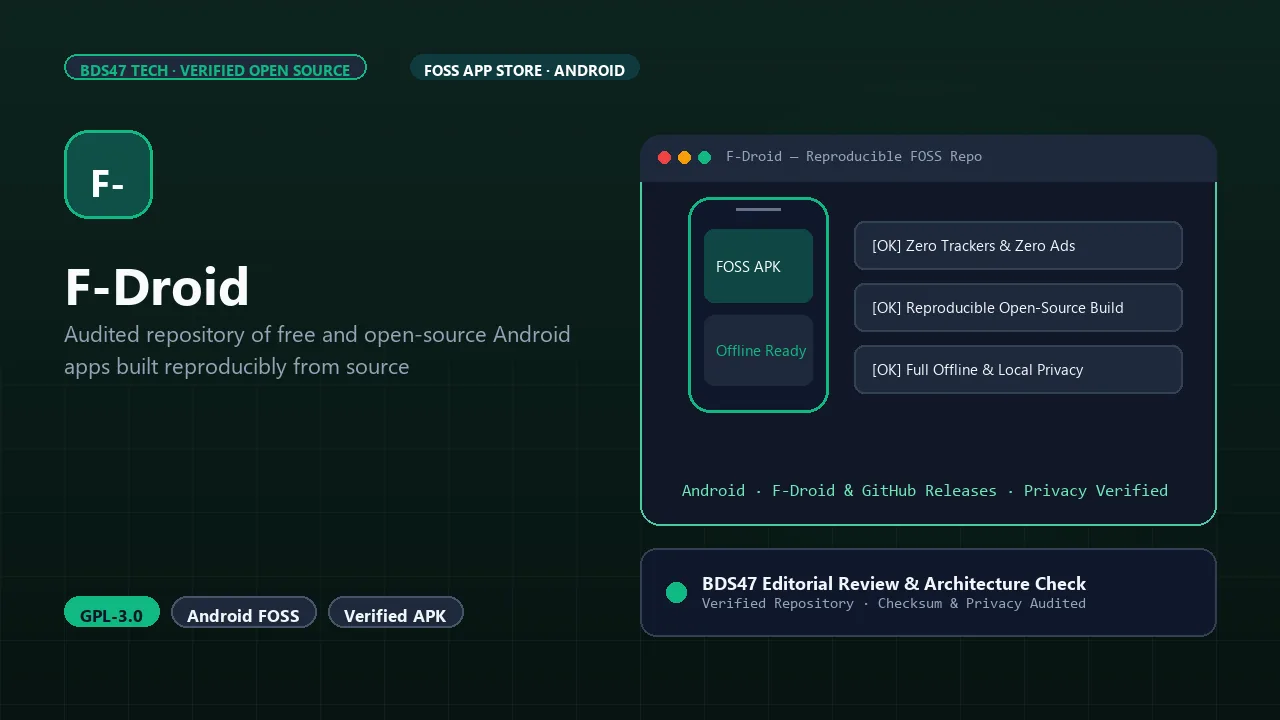
F-Droid is the cornerstone of the open-source Android ecosystem: an independent, community-audited software repository and client app that exclusively distributes Free and Open-Source Software (FOSS) built reproducibly from public source code.
Quick Answer: F-Droid (GPL-3.0 license, release v1.22.0) is a verified tool supporting Android with 4,500 GitHub stars. It avoids proprietary lock-in while offering transparent source code, predictable RAM/CPU footprint, and flexible self-hosted or local deployment.
1. Technical Architecture & How F-Droid Works
Unlike mainstream app stores that accept pre-compiled binary APKs from developers, this software’s build server infrastructure fetches the tagged source code directly from upstream Git repositories, audits build recipes for proprietary SDKs, and compiles signed APKs inside isolated containers (increasingly using Reproducible Builds).
| Technical Specification | Verified Details |
|---|---|
| Project & Tracked Release | this tool (Stable release: v1.22.0) |
| Upstream Repository | f-droid/fdroidclient (4.500 Stars · 980 Forks) |
| SPDX Software License | GPL-3.0 — Open-source and auditable |
| Supported Platforms | Android |
| Resource Footprint | ~9–12 MB APK installer · Zero Google account or cloud sign-in required |
| Primary Alternatives | Droid-ify / Obtanium / Aurora Store |
2. Quick Installation & CLI Deployment
To maintain clean supply-chain security and avoid third-party bundled installers, you can deploy this tool directly via official package managers or upstream release binaries:
# Download the official F-Droid.apk installer at:
# https://f-droid.org/
# Verify the SHA-256 hash or PGP signature before installing on Android
3. Key Engineering Strengths in Daily Use
- Zero account required: Browse, install, and update thousands of audited FOSS Android apps without a Google account.
- Explicit Anti-Features disclosure badges warn users upfront if an app relies on non-free network services or upstream telemetry.
- Supports version pinning, safe downgrades to older APK releases, and offline peer-to-peer app sharing via local Wi-Fi/Bluetooth.
- Extensible with custom repositories (such as IzzyOnDroid or project-official repos) via QR code scanning.
4. Practical Limitations & Trade-Offs
- Because this tool compiles every package from source in its own build cycle, updates can lag 2–6 days behind upstream GitHub Releases.
- The classic this tool client UI feels dated (many power users prefer modern open-source this tool frontends like Droid-ify or Neo Store).
5. Head-to-Head: this tool vs. Droid-ify / Obtanium / Aurora Store
Compared to Obtanium (which pulls raw APKs directly from GitHub Releases immediately), the application adds an independent source-code audit and build-verification layer.
6. Configuration & Security Tips from BDS47 Tech
Power-user tip: Once you have the platform installed, search for Droid-ify or Neo Store inside this software—they provide a blazingly fast Material You interface and one-tap support for the popular IzzyOnDroid repository.
Production Deployment, Security & Backup Best Practices
When moving any self-hosted service or local workspace from initial testing into daily production, isolate the container listener behind a TLS reverse proxy such as Caddy or Nginx rather than exposing raw HTTP ports directly on a public interface. Binding web interfaces to loopback addresses prevents unencrypted credential interception and simplifies automated Let’s Encrypt certificate renewal.
Before upgrading major container tags, stop the running service or trigger an atomic SQLite snapshot so embedded configuration state, user permissions, and historical telemetry remain consistent. Pinning explicit semantic version tags inside Compose manifests prevents unexpected breaking schema migrations when pulling upstream releases, while scheduled off-site volume backups allow full disaster recovery on fresh hardware within minutes.
Finally, monitor resident memory usage under sustained load and configure explicit container restart policies alongside resource limits so background tasks cannot starve co-hosted applications on smaller single-board computers or 1–2 GB virtual private servers.
Official Resources & Related Open-Source Tools
- Official Project Website: Official project homepage and documentation.
- Source Code & Releases: Official upstream GitHub repository.
- Category Directory: Explore related utilities inside the Android Apps open-source catalog.
- Related Software Reviews: Compare with our in-depth LocalSend technical review and in-depth KDE Connect technical review.
- Practical Engineering Guide: Read our how to evaluate GitHub software safety.