
Building a private Retrieval-Augmented Generation (RAG) system usually requires wiring together document parsers, embedding models, vector databases, and LLM endpoints. AnythingLLM packages that entire stack—plus custom AI Agents and MCP tool support—into a turnkey desktop application and Docker server.
Quick Answer: AnythingLLM (MIT license, release v1.8.1) is a verified tool supporting Windows, macOS, Linux, Docker with 48,900 GitHub stars. It avoids proprietary lock-in while offering transparent source code, predictable RAM/CPU footprint, and flexible self-hosted or local deployment.
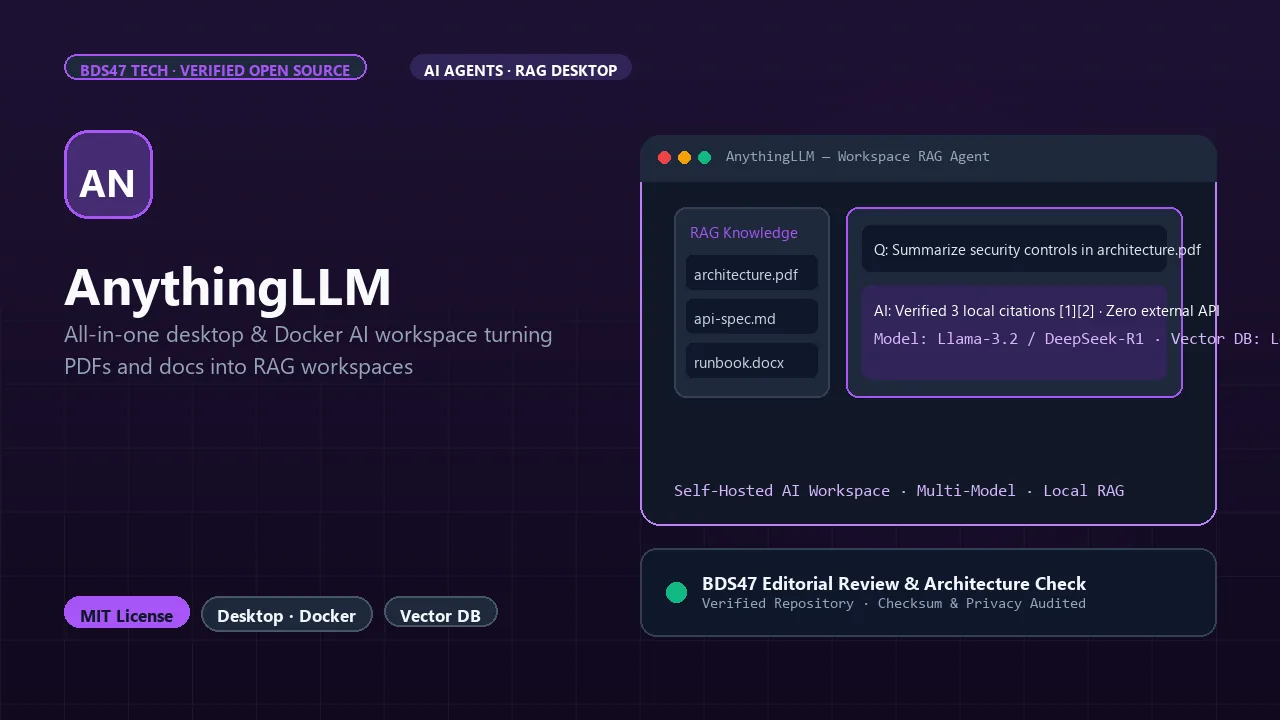
1. Technical Architecture & How AnythingLLM Works
this software isolates context into separate Workspaces backed by an embedded LanceDB vector database (with optional connectors for Qdrant, Chroma, Milvus, and PGVector), a built-in document collector, and an extensible Agent Skills & MCP runtime.
| Technical Specification | Verified Details |
|---|---|
| Project & Tracked Release | AnythingLLM (Stable release: v1.8.1) |
| Upstream Repository | Mintplex-Labs/anything-llm (48.900 Stars · 5.120 Forks) |
| SPDX Software License | MIT — Open-source and auditable |
| Supported Platforms | Windows, macOS, Linux, Docker |
| Resource Footprint | ~400–800 MB baseline RAM + LLM runtime memory (can connect directly to Ollama) |
| Primary Alternatives | Open WebUI / GPT4All |
2. Quick Installation & CLI Deployment
To maintain clean supply-chain security and avoid third-party bundled installers, you can deploy this tool directly via official package managers or upstream release binaries:
winget install --id MintplexLabs.AnythingLLM -e
# Or run the server deployment via Docker:
docker pull mintplexlabs/anythingllm
3. Key Engineering Strengths in Daily Use
- Strict Workspace isolation ensures documents uploaded for Client A never bleed into prompts for Project B.
- Rich built-in data connectors: drag-and-drop PDFs/DOCX/Audio, scrape documentation websites, ingest GitHub repositories, or pull YouTube transcripts.
- Native
@agentworkflows and Model Context Protocol (MCP) integration for tool calling, web browsing, and SQL queries. - Embedded
LanceDBvector database works out of the box with zero external database setup.
4. Practical Limitations & Trade-Offs
- Agentic tool-calling workflows require capable models (8B–14B+ parameters with strong function-calling support) to avoid hallucinated tool invocations.
- Desktop version is single-user; multi-user team permissions require deploying the Docker server edition.
5. Head-to-Head: AnythingLLM vs. Open WebUI / GPT4All
Compared to Open WebUI, the application offers a one-click native Desktop installer with built-in GitHub/website scrapers and zero Docker prerequisites.
6. Configuration & Security Tips from BDS47 Tech
RAG tuning tip: For dense technical PDFs, open Settings → Text Splitting and set your chunk size to 1000 characters with a 150–200 character overlap, then enable document pinning for short reference specs.
Official Resources & Related Open-Source Tools
- Official Project Website: Official project homepage and documentation.
- Source Code & Releases: Official upstream GitHub repository.
- Category Directory: Explore related utilities inside the AI & Machine Learning open-source catalog.
- Related Software Reviews: Compare with our in-depth Ollama technical review and in-depth Open WebUI technical review.
- Practical Engineering Guide: Read our technical web architecture and AI guide.


