
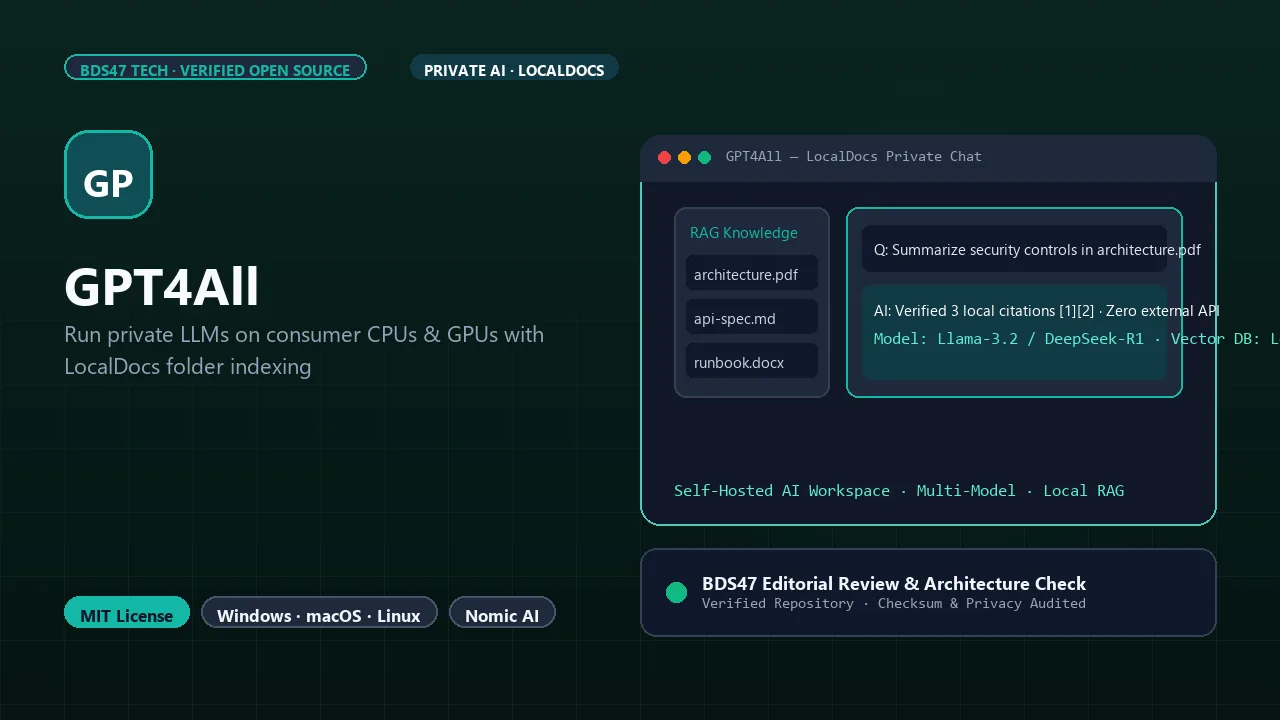
Developed by Nomic AI, GPT4All is a battle-tested, MIT-licensed desktop application designed to run quantized LLMs smoothly across consumer laptops and desktops—whose standout feature is LocalDocs, a zero-configuration local folder indexing system for private document Q&A.
Quick Answer: GPT4All (MIT license, release v3.10.0) is a verified tool supporting Windows, macOS, Linux with 76,400 GitHub stars. It avoids proprietary lock-in while offering transparent source code, predictable RAM/CPU footprint, and flexible self-hosted or local deployment.
1. Technical Architecture & How GPT4All Works
Built as a native Qt C++ desktop application rather than a heavy Electron wrapper, this software pairs a llama.cpp inference backend with Nomic’s acclaimed nomic-embed-text local embedding model to index local folders of PDF, DOCX, TXT, and Markdown files into a fast on-device vector database.
| Technical Specification | Verified Details |
|---|---|
| Project & Tracked Release | GPT4All (Stable release: v3.10.0) |
| Upstream Repository | nomic-ai/gpt4all (76.400 Stars · 8.320 Forks) |
| SPDX Software License | MIT — Open-source and auditable |
| Supported Platforms | Windows, macOS, Linux |
| Resource Footprint | Lightweight Qt C++ desktop UI (~90 MB RAM) + active model memory (8 GB system RAM min) |
| Primary Alternatives | Jan / AnythingLLM |
2. Quick Installation & CLI Deployment
To maintain clean supply-chain security and avoid third-party bundled installers, you can deploy this tool directly via official package managers or upstream release binaries:
winget install --id Nomic.GPT4All -e
# Or download installers for Windows / macOS / Ubuntu at https://www.nomic.ai/gpt4all
3. Key Engineering Strengths in Daily Use
- LocalDocs provides effortless, one-click folder indexing for PDF, DOCX, and Markdown files with clickable source citations.
- Native Qt/C++ desktop interface consumes significantly less baseline RAM than Electron-based AI wrappers.
- Strong Vulkan and CPU fallback support makes it reliable on laptops with integrated Intel/AMD graphics.
- Accompanied by an official Python SDK (
pip install gpt4all) for embedding local inference into scripts.
4. Practical Limitations & Trade-Offs
- Curated built-in model catalog is smaller than Ollama’s registry (though custom GGUF files from Hugging Face can be imported manually).
- Initial LocalDocs indexing of large PDF directories is CPU-intensive.
5. Head-to-Head: GPT4All vs. Jan / AnythingLLM
Compared to Jan, the application offers a much stronger out-of-the-box local document indexing workflow via LocalDocs and a lighter Qt C++ UI footprint.
6. Configuration & Security Tips from BDS47 Tech
LocalDocs tip: Organize your documents into focused, topic-specific folders rather than indexing your entire Documents directory at once—this drastically reduces retrieval noise and speeds up embedding updates.
Official Resources & Related Open-Source Tools
- Official Project Website: Official project homepage and documentation.
- Source Code & Releases: Official upstream GitHub repository.
- Category Directory: Explore related utilities inside the AI & Machine Learning open-source catalog.
- Related Software Reviews: Compare with our in-depth Ollama technical review and in-depth Open WebUI technical review.
- Practical Engineering Guide: Read our technical web architecture and AI guide.


