
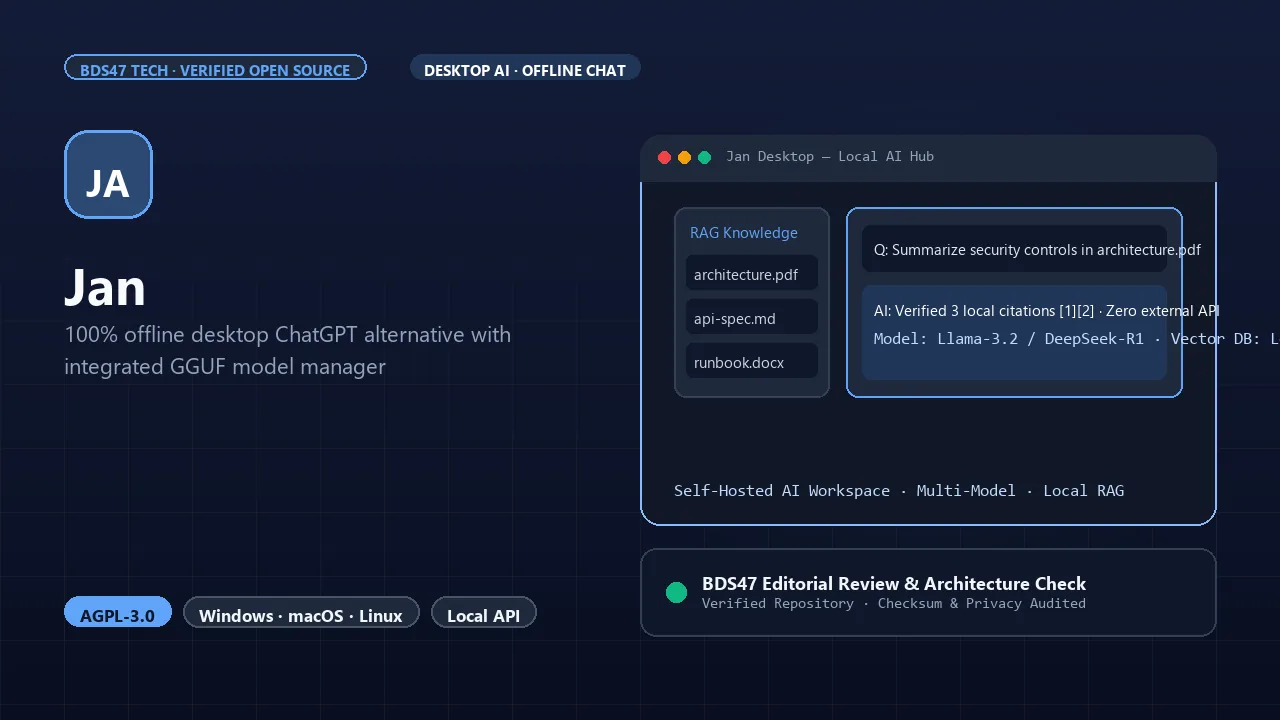
Jan AI — For users who want a polished, native desktop application to download and chat with local AI models without touching a terminal or Docker container, Jan (jan.ai) is a standout AGPL-3.0 open-source choice across Windows, macOS, and Linux.
Quick Answer: Jan AI (AGPL-3.0 license, release v0.6.2) is a verified tool supporting Windows, macOS, Linux with 34,800 GitHub stars. It avoids proprietary lock-in while offering transparent source code, predictable RAM/CPU footprint, and flexible self-hosted or local deployment.
1. Technical Architecture & How Jan Works
Powered by its local Cortex / llama.cpp engine, Jan inspects your system RAM and GPU VRAM to display real-time hardware compatibility badges in its built-in Hugging Face Model Hub, while storing all conversation threads and assistant configurations as plain local files in ~/jan.
| Technical Specification | Verified Details |
|---|---|
| Project & Tracked Release | Jan (Stable release: v0.6.2) |
| Upstream Repository | menloresearch/jan (34.800 Stars · 2.100 Forks) |
| SPDX Software License | AGPL-3.0 — Open-source and auditable |
| Supported Platforms | Windows, macOS, Linux |
| Resource Footprint | ~250 MB UI baseline RAM plus active GGUF model VRAM/RAM footprint |
| Primary Alternatives | LM Studio / GPT4All |
2. Quick Installation & CLI Deployment
To maintain clean supply-chain security and avoid third-party bundled installers, you can deploy Jan directly via official package managers or upstream release binaries:
winget install --id Jan.Jan -e
# Or download .exe / .dmg / .AppImage installers at https://jan.ai
3. Key Engineering Strengths in Daily Use
- Zero-CLI setup with a clean, visual Hugging Face GGUF downloader and hardware compatibility indicator.
- Transparent local file storage: every conversation, prompt setting, and downloaded model sits in a user-accessible folder you can move to a secondary SSD.
- Hybrid flexibility: switch effortlessly between 100% offline local GGUF models and cloud APIs (Anthropic, OpenAI, Groq) per thread.
- Built-in local API server on port
1337.
4. Practical Limitations & Trade-Offs
- Built-in document retrieval (RAG) is simpler than dedicated workspaces like AnythingLLM or Open WebUI.
- Can duplicate multi-gigabyte model files on disk if you already manage models separately via Ollama unless configured to use Ollama as a remote engine.
5. Head-to-Head: Jan vs. LM Studio / GPT4All
Compared to LM Studio (closed-source), Jan is fully open-source under AGPL-3.0 with an uncluttered, privacy-first local file structure.
6. Configuration & Security Tips from BDS47 Tech
Storage tip: Before downloading your first GGUF model, open Settings → Advanced → Jan Data Folder and point it to a secondary NVMe SSD with ample free space.
Official Resources & Related Open-Source Tools
- Official Project Website: Official project homepage and documentation.
- Source Code & Releases: Official upstream GitHub repository.
- Category Directory: Explore related utilities inside the AI & Machine Learning open-source catalog.
- Related Software Reviews: Compare with our in-depth Ollama technical review and in-depth Open WebUI technical review.
- Practical Engineering Guide: Read our technical web architecture and AI guide.


