
For developers, technical writers, and QA engineers on Windows, the built-in Snipping Tool quickly hits its limits. ShareX delivers a comprehensive, GPL-3.0 open-source screen capture, FFmpeg video recording, OCR, and post-capture workflow automation suite with zero ads or paywalls.
Quick Answer: ShareX (GPL-3.0 license, release v21.0.0) is a verified tool supporting Windows with 40,482 GitHub stars. It avoids proprietary lock-in while offering transparent source code, predictable RAM/CPU footprint, and flexible self-hosted or local deployment.
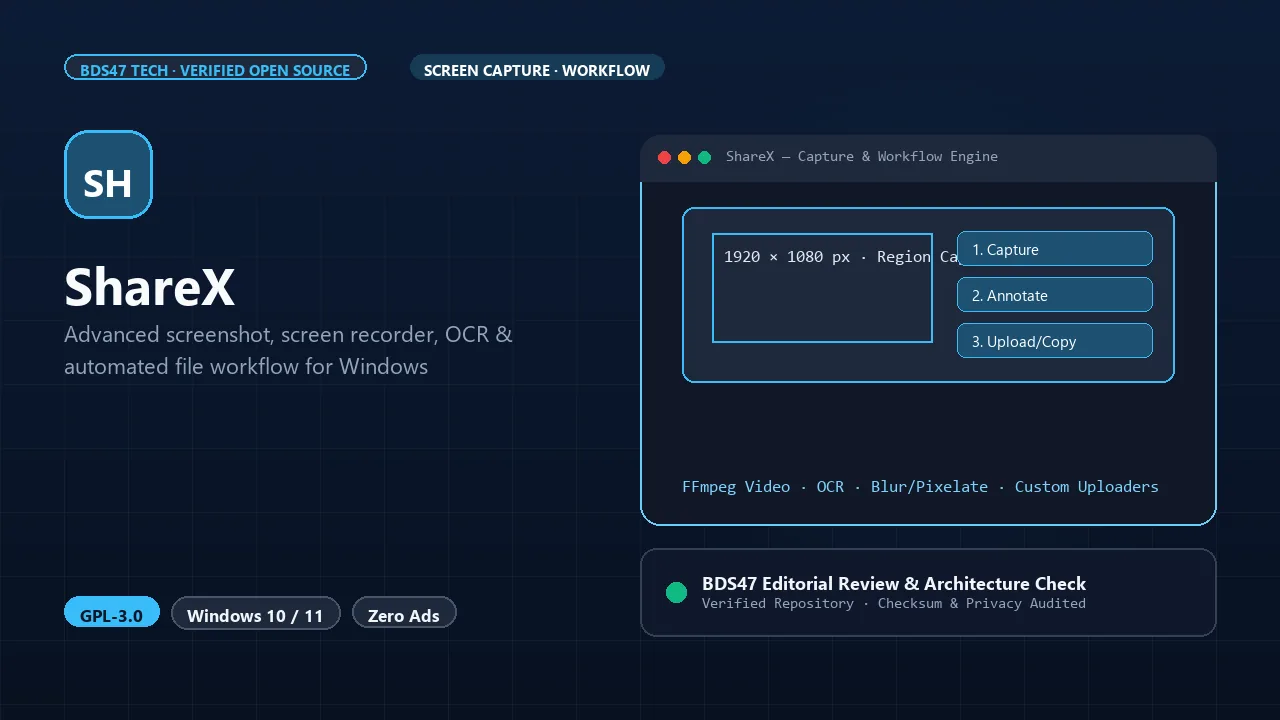
1. Technical Architecture & How ShareX Works
Built natively in C# (.NET) and integrated with the Windows Desktop Window Manager (DWM), this software detects individual UI sub-regions, captures scrolling webpages, records hardware-encoded video via FFmpeg, and executes programmable post-capture pipelines in milliseconds.
| Technical Specification | Verified Details |
|---|---|
| Project & Tracked Release | ShareX (Stable release: v21.0.0) |
| Upstream Repository | ShareX/ShareX (40.482 Stars · 4.010 Forks) |
| SPDX Software License | GPL-3.0 — Open-source and auditable |
| Supported Platforms | Windows |
| Resource Footprint | ~25–45 MB idle RAM · ~12 MB installer (excluding optional FFmpeg) |
| Primary Alternatives | Flameshot / Greenshot |
2. Quick Installation & CLI Deployment
To maintain clean supply-chain security and avoid third-party bundled installers, you can deploy this tool directly via official package managers or upstream release binaries:
winget install --id ShareX.ShareX -e
# Or download the Portable .zip archive directly from GitHub Releases
3. Key Engineering Strengths in Daily Use
- Best-in-class built-in annotation editor featuring numbered step badges, smart magnifiers, blur/pixelate redaction, and automatic drop shadows.
- Programmable After-Capture and After-Upload pipelines automate saving, clipboard copying, OCR, and custom S3/WebDAV uploads.
- Bundles 20+ Swiss-Army utilities including a screen color picker, pixel ruler, DNS changer, QR generator, and cryptographic hash checker.
- Lightweight ~30 MB memory footprint in the system tray with zero telemetry or nag screens.
4. Practical Limitations & Trade-Offs
- Exclusively available for Windows 10 and Windows 11 (no native macOS or Linux builds).
- Deep configuration menus have a steeper initial learning curve than basic screenshot tools.
- Privacy-conscious users should disable cloud image upload destinations on first launch so captures remain strictly local.
5. Head-to-Head: ShareX vs. Flameshot / Greenshot
Compared to Greenshot and Flameshot, the application offers vastly superior post-capture automation, FFmpeg screen recording, scrolling capture, and built-in developer utilities on Windows.
6. Configuration & Security Tips from BDS47 Tech
Privacy configuration tip: Immediately after installing the platform, open After capture tasks in the left sidebar and uncheck Upload image to host so all screenshots stay 100% local on your machine.
Official Resources & Related Open-Source Tools
- Official Project Website: Official project homepage and documentation.
- Source Code & Releases: Official upstream GitHub repository.
- Category Directory: Explore related utilities inside the Multimedia open-source catalog.
- Related Software Reviews: Compare with our in-depth OBS Studio technical review and in-depth VLC Media Player technical review.
- Practical Engineering Guide: Read our 7 essential open-source Windows apps.


