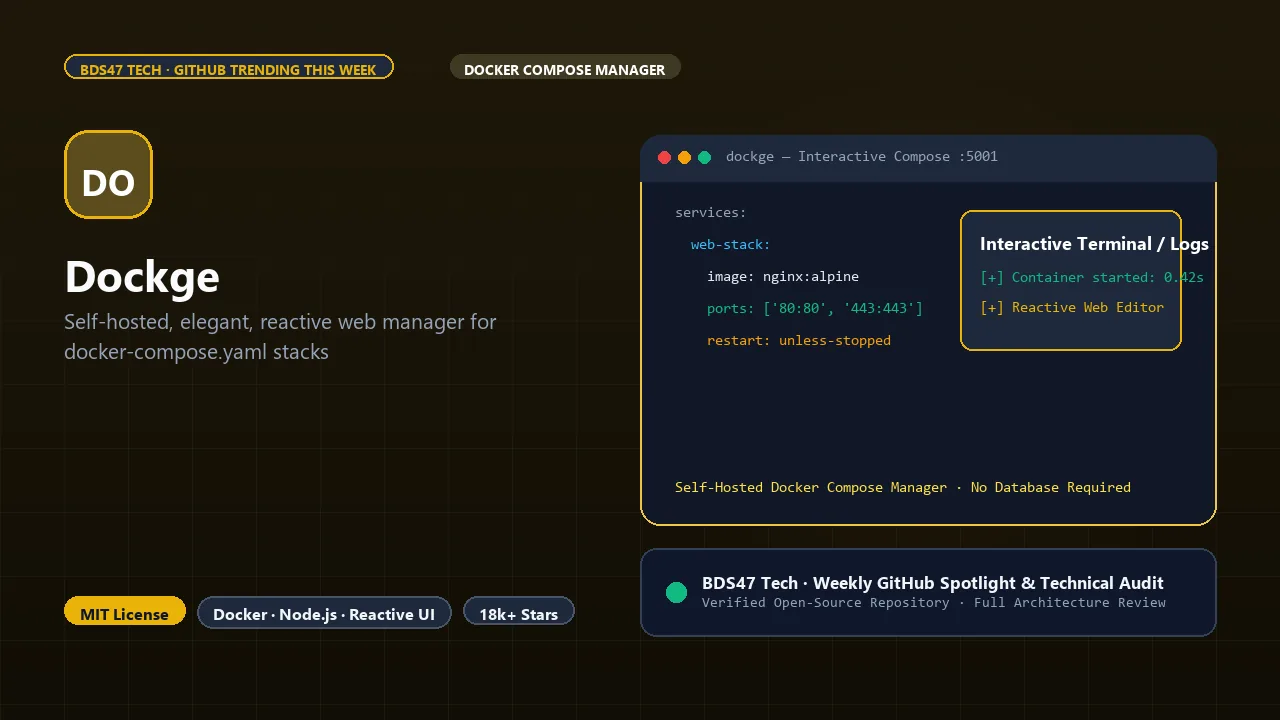
If you find Portainer overly complex and bloated for personal servers, yet want an ergonomic web interface to manage your Docker Compose stacks with visual YAML editing and live container consoles, Dockge is an absolute joy. Created by Louis Lam (the mastermind behind Uptime Kuma), it provides a clean, reactive management console.
Quick Answer: Dockge (MIT license, release v1.4.2) is a verified tool supporting Docker, Linux, Windows (WSL2), macOS with 19,200 GitHub stars. It avoids proprietary lock-in while offering transparent source code, predictable RAM/CPU footprint, and flexible self-hosted or local deployment.
1. Technical Architecture & How Dockge Works
this software rejects hidden database locks: your stacks remain standard compose.yaml files organized in designated directory trees on your host filesystem. You can edit configurations in this tool’s reactive web editor or via SSH terminal; changes reflect immediately on both sides.
| Technical Specification | Verified Details |
|---|---|
| Project & Tracked Release | this tool (Stable Release: v1.4.2) |
| GitHub Repository | louislam/dockge (19.200 Stars · 1.100 Forks) |
| SPDX License | MIT — Open-source and auditable |
| Supported Platforms | Docker, Linux, Windows (WSL2), macOS |
| Resource Footprint | ~45–70 MB RAM · Instant real-time console updates over WebSockets |
| Primary Alternatives | Portainer / Yacht |
2. Quick Installation & CLI Deployment
Deploy the application directly using upstream official package managers or command-line pipelines:
mkdir -p /opt/stacks /opt/dockge && cd /opt/dockge
curl https://raw.githubusercontent.com/louislam/dockge/master/compose.yaml --output compose.yaml
docker compose up -d
# Mở giao diện tại: http://localhost:5001
3. Key Engineering Strengths in Daily Use
- Dual-mode stack editor: edit raw YAML with syntax validation while viewing visual form controls side-by-side.
- Built-in Docker Run to Compose converter turns messy one-liner commands into clean structured YAML stacks.
- Embedded interactive terminal and live streaming log viewers for individual containers.
- Supports multi-agent clustering to monitor and deploy stacks across multiple remote nodes.
4. Practical Limitations & Trade-Offs
- Strictly focused on Compose-based stacks; does not manage legacy standalone containers launched outside compose directories.
5. Head-to-Head: this tool vs. Portainer / Yacht
Compared to Portainer, the platform is ten times lighter, avoids proprietary database abstractions, and keeps your compose files directly accessible on disk.
6. Configuration & Security Tips from BDS47 Tech
Directory structure tip: Set DOCKGE_STACKS_DIR=/opt/stacks and keep each service inside its own subfolder (e.g., /opt/stacks/uptime-kuma/compose.yaml) for effortless system-wide backup scripts.
Official Resources & Related Open-Source Tools
- Official Project Website: Official project homepage and documentation.
- Source Code & Releases: Official upstream GitHub repository.
- Category Directory: Explore related utilities inside the Developer Tools open-source catalog.
- Related Software Reviews: Compare with our in-depth Ollama technical review and in-depth llama.cpp technical review.
- Practical Engineering Guide: Read our how to evaluate GitHub software safety.