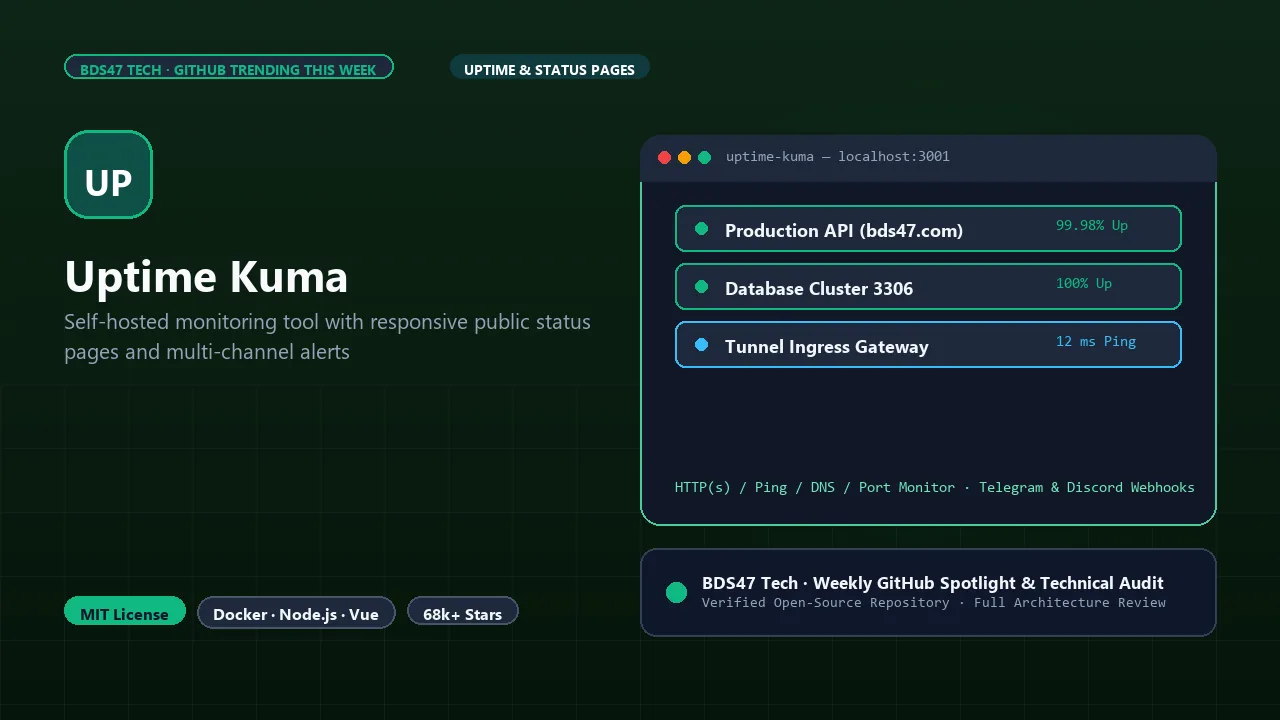
For system administrators, DevOps engineers, and website owners, knowing when a service fails before your users notice is critical. Uptime Kuma is a stunning, MIT-licensed self-hosted monitoring tool that provides a feature-complete alternative to expensive commercial services like UptimeRobot and Statuspage.
Quick Answer: Uptime Kuma (MIT license, release v1.23.16) is a verified tool supporting Docker, Node.js, Linux, Windows with 69,800 GitHub stars. It avoids proprietary lock-in while offering transparent source code, predictable RAM/CPU footprint, and flexible self-hosted or local deployment.
1. Technical Architecture & How Uptime Kuma Works
Built with Node.js and a reactive Vue.js single-page frontend updating via WebSockets, this software stores metrics inside an embedded SQLite database. It performs scheduled probes across HTTP(s), TCP ports, ICMP Ping, DNS queries, SSL certificate expiration dates, and Docker container health checks.
| Technical Specification | Verified Details |
|---|---|
| Project & Tracked Release | this tool (Stable Release: v1.23.16) |
| GitHub Repository | louislam/uptime-kuma (69.800 Stars · 6.200 Forks) |
| SPDX License | MIT — Open-source and auditable |
| Supported Platforms | Docker, Node.js, Linux, Windows |
| Resource Footprint | Lightweight ~80–140 MB RAM · Deploys in a single container within 30 seconds |
| Primary Alternatives | UptimeRobot / Gatus / Statping |
2. Quick Installation & CLI Deployment
Deploy this tool directly using upstream official package managers or command-line pipelines:
docker run -d --restart=always -p 3001:3001 -v uptime-kuma:/app/data --name uptime-kuma louislam/uptime-kuma:1
# Access the web dashboard at: http://localhost:3001
3. Key Engineering Strengths in Daily Use
- Integrates with 90+ notification services: instant downtime alerts via Telegram, Discord, Slack, Webhooks, and Email.
- Monitors SSL/TLS certificate lifecycles with configurable advance expiration warnings.
- Generates customizable public status pages that can be mapped to dedicated subdomains (e.g.,
status.yourdomain.com). - Minimal resource consumption (~100 MB RAM) with simple single-volume backup.
4. Practical Limitations & Trade-Offs
- As with any single-instance monitor, running this tool on the same server it monitors means you won’t receive alerts if the host itself goes offline.
5. Head-to-Head: this tool vs. UptimeRobot / Gatus / Statping
Compared to free tiers of UptimeRobot (5-minute interval caps), the application allows custom 20-second probe intervals and unlimited monitors with complete data sovereignty.
6. Configuration & Security Tips from BDS47 Tech
Reliability tip: Host the platform on a small external VPS outside your primary datacenter cluster and route critical alerts directly to a private Telegram channel with sound notifications enabled.
Production Deployment, Security & Backup Best Practices
When moving any self-hosted service or local workspace from initial testing into daily production, isolate the container listener behind a TLS reverse proxy such as Caddy or Nginx rather than exposing raw HTTP ports directly on a public interface. Binding web interfaces to loopback addresses prevents unencrypted credential interception and simplifies automated Let’s Encrypt certificate renewal.
Before upgrading major container tags, stop the running service or trigger an atomic SQLite snapshot so embedded configuration state, user permissions, and historical telemetry remain consistent. Pinning explicit semantic version tags inside Compose manifests prevents unexpected breaking schema migrations when pulling upstream releases, while scheduled off-site volume backups allow full disaster recovery on fresh hardware within minutes.
Finally, monitor resident memory usage under sustained load and configure explicit container restart policies alongside resource limits so background tasks cannot starve co-hosted applications on smaller single-board computers or 1–2 GB virtual private servers.
Official Resources & Related Open-Source Tools
- Official Project Website: Official project homepage and documentation.
- Source Code & Releases: Official upstream GitHub repository.
- Category Directory: Explore related utilities inside the Developer Tools open-source catalog.
- Related Software Reviews: Compare with our in-depth Ollama technical review and in-depth llama.cpp technical review.
- Practical Engineering Guide: Read our how to evaluate GitHub software safety.