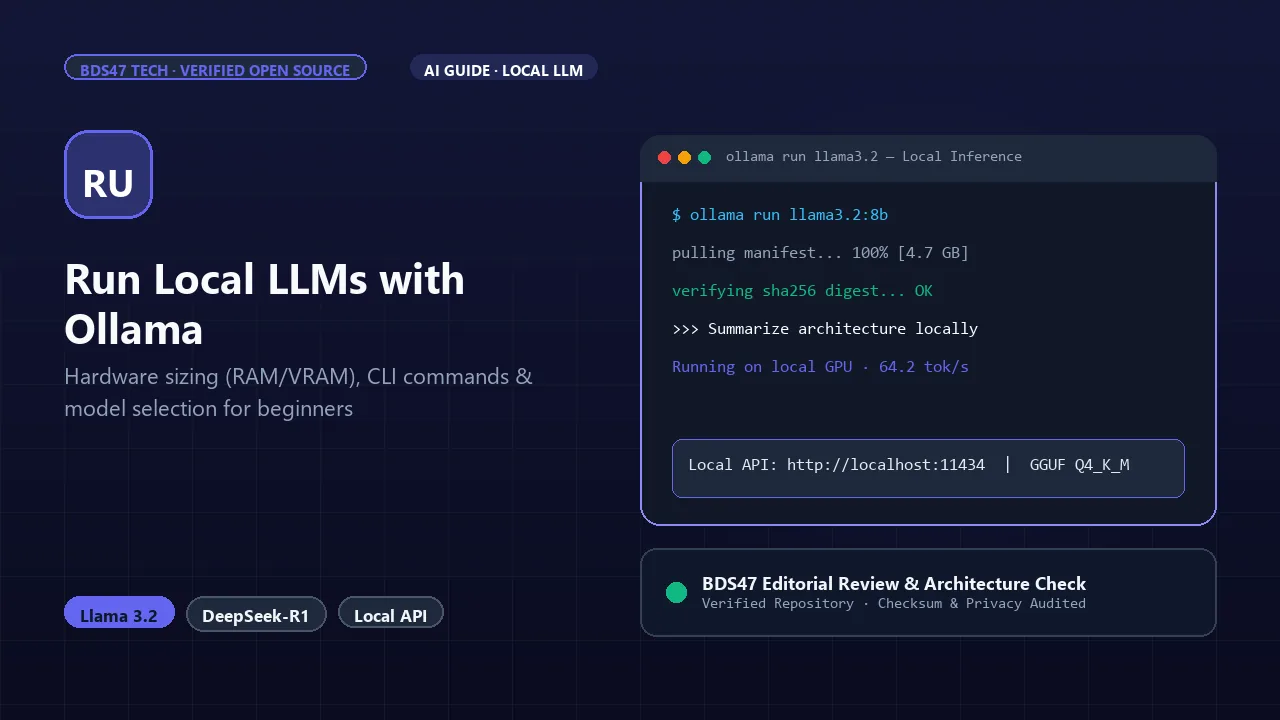
Knowing how to install Ollama on Windows unlocks fast, private local AI inference with open-weight models like Llama, Qwen, and DeepSeek right on your own workstation. Within minutes of running the official installer, you get both an interactive terminal runner and a local OpenAI-compatible REST endpoint.
Quick Answer: To install Ollama on Windows, download the official MIT-licensed binary from ollama.com, match a
Q4_K_Mmodel parameter size to your physical GPU VRAM, executeollama run qwen2.5:7bin PowerShell, and keep the local API bound strictly to127.0.0.1:11434.
1. Sizing Models to Your GPU VRAM & System RAM
Inference speed in tokens per second hinges on keeping model weights inside dedicated GPU VRAM rather than spilling over the PCIe bus into slower system RAM. Picking the right 4-bit Q4_K_M quantization tier keeps latency snappy and prevents out-of-memory crashes.
| Available Workstation Hardware | Recommended Model Size | Download Footprint | Example Model Tags |
|---|---|---|---|
| CPU + 16 GB RAM (no discrete GPU) | 1.5B – 3B (Q4_K_M) | 1.1 – 2.2 GB | qwen2.5:3b, llama3.2:3b |
| GPU with 6 GB – 8 GB VRAM | 7B – 8B (Q4_K_M) | 4.5 – 5.2 GB | qwen2.5:7b, llama3.1:8b |
| GPU with 12 GB – 16 GB VRAM | 14B (Q4_K_M) | 8.8 – 9.6 GB | qwen2.5:14b, gemma2:9b |
| GPU with 24 GB+ VRAM | 27B – 32B (Q4_K_M) | 17 – 20 GB | qwen2.5-coder:32b |
2. Installing on Windows and Running Your First Model
Download the signed Windows executable directly from the official Ollama download page or inspect source releases on GitHub ollama/ollama. After setup completes, launch PowerShell and run your first prompt:
# Verify installed CLI binary
ollama --version

# Pull and start chatting with a 7B quantized model
ollama run qwen2.5:7b

# Check GPU/CPU layer allocation during active inference
ollama ps
Model weights are stored under %USERPROFILE%\.ollama\models by default. If your primary C: drive is tight on space, define the Windows user environment variable OLLAMA_MODELS pointing to a secondary NVMe drive before pulling large weights.
3. Hardening the Local API & Managing Context Memory
By default, the local server listens strictly on http://127.0.0.1:11434. Avoid setting OLLAMA_HOST=0.0.0.0 on untrusted or shared Wi-Fi networks unless you front the port with an authenticated TLS reverse proxy.
- Pair with a browser UI: Connect your localhost backend to a rich workspace frontend like Open WebUI for multi-turn chat history and document RAG.
- Bound context length: On 8 GB GPUs, keeping
num_ctxat 4096 or 8192 prevents KV-cache memory spikes from pushing layers back onto CPU. - Check active disk caches: Run
ollama listregularly and remove unused test tags withollama rm <model>.
Connecting Local Coding Tools Over Localhost
Editor extensions and automation scripts can point their OpenAI-compatible base URL directly to http://127.0.0.1:11434/v1, delivering offline autocomplete and code analysis with zero cloud token charges or internet dependency.
4. Related Resources & Software Reviews
Dive deeper into runtime architecture in our full Ollama review, explore browser frontends in the Open WebUI review, or browse all benchmarks inside the AI & Machine Learning catalog.