
Uploading confidential contracts, tax records, or internal engineering docs to free online PDF converters creates an immediate data-privacy risk. Stirling-PDF eliminates that exposure by packaging over 50 PDF manipulation, OCR, and conversion tools into a self-hosted Docker web application and desktop suite.
Quick Answer: Stirling-PDF (MIT license, release v3.2.2) is a verified tool supporting Docker, Windows, macOS, Linux with 95,279 GitHub stars. It avoids proprietary lock-in while offering transparent source code, predictable RAM/CPU footprint, and flexible self-hosted or local deployment.
1. Technical Architecture & How Stirling-PDF Works
Built on Spring Boot, this software acts as a unified web orchestrator over battle-tested open-source document engines including Apache PDFBox, headless LibreOffice, Tesseract OCR, Ghostscript, and qpdf. Files are processed transiently in memory or temporary container volumes and purged immediately after download.
| Technical Specification | Verified Details |
|---|---|
| Project & Tracked Release | this tool (Stable release: v3.2.2) |
| Upstream Repository | Stirling-Tools/Stirling-PDF (95.279 Stars · 10.639 Forks) |
| SPDX Software License | MIT — Open-source and auditable |
| Supported Platforms | Docker, Windows, macOS, Linux |
| Resource Footprint | ~512 MB – 1.5 GB RAM (depending on OCR/LibreOffice) · Docker images from 350 MB (ultra-lite) to 1.4 GB (full) |
| Primary Alternatives | PDFgear / PDFsam Basic |
2. Quick Installation & CLI Deployment
To maintain clean supply-chain security and avoid third-party bundled installers, you can deploy this tool directly via official package managers or upstream release binaries:
docker run -d
  -p 8080:8080
  -v ./stirling-tessdata:/usr/share/tessdata
  -v ./stirling-configs:/configs
  -e DOCKER_ENABLE_SECURITY=false
  --name stirling-pdf
  stirlingtools/stirling-pdf:latest
3. Key Engineering Strengths in Daily Use
- Consolidates 50+ PDF workflows: merge, split, reorder, compress, sanitize metadata, redact text, add watermarks, and apply password encryption.
- Built-in multi-language Tesseract OCR pipeline turns scanned image PDFs into searchable, selectable text documents.
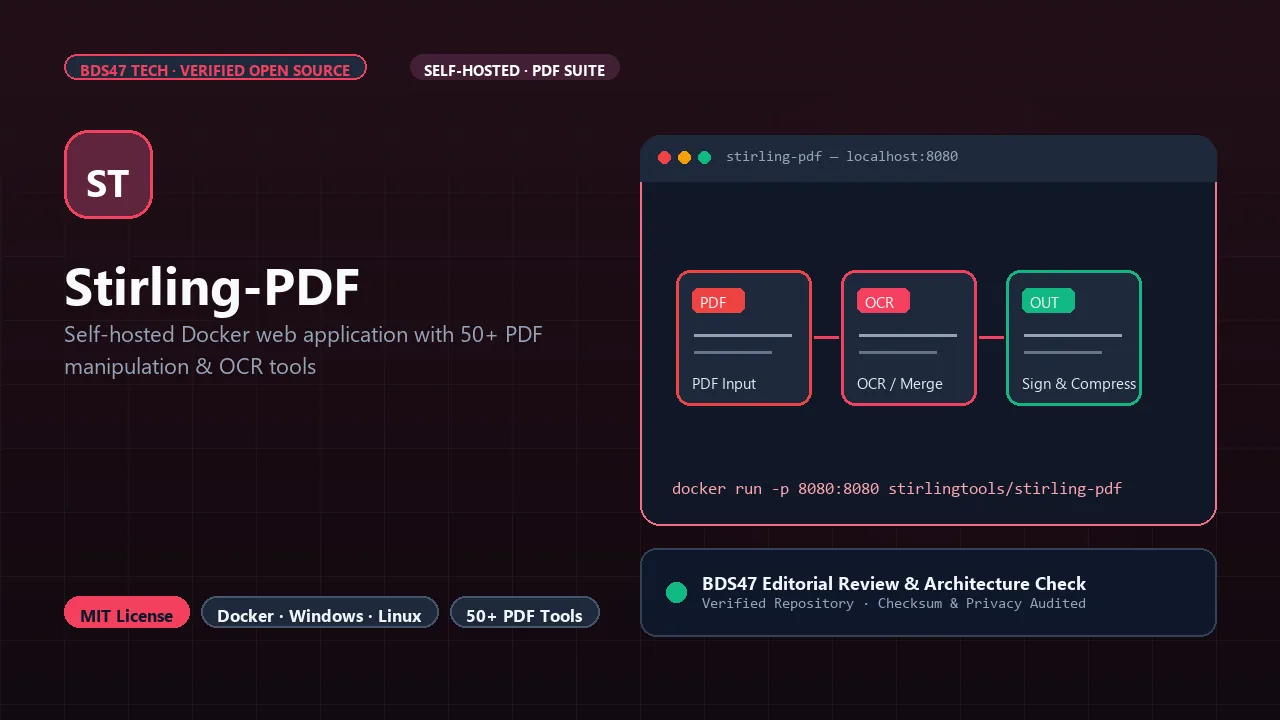
- Multi-step Pipelines allow chaining complex batch operations (e.g., Convert DOCX → OCR → Compress → Watermark) in a single automated queue.
- Available in three Docker image tiers (
ultra-lite,standard, andfat) plus native desktop builds.
4. Practical Limitations & Trade-Offs
- Focused on document pipeline operations rather than paragraph-level WYSIWYG layout editing like Adobe InDesign or LibreOffice Draw.
- The full Docker image with LibreOffice and OCR language packs requires ~1.4 GB disk space and 1–2 GB RAM under heavy batch loads.
- Must be placed behind an authenticated reverse proxy (or run with
DOCKER_ENABLE_SECURITY=true) if exposed beyond localhost.
5. Head-to-Head: this tool vs. PDFgear / PDFsam Basic
Compared to PDFsam Basic (desktop split/merge only), the application adds headless Office conversion, OCR, redaction, and multi-user LAN deployment via a single Docker container.
6. Configuration & Security Tips from BDS47 Tech
To reduce memory consumption on small VPS instances or home servers, deploy the stirlingtools/stirling-pdf:latest-ultra-lite tag if you only need core split, merge, and reorganize features.
Production Deployment, Security & Backup Best Practices
When moving any self-hosted service or local workspace from initial testing into daily production, isolate the container listener behind a TLS reverse proxy such as Caddy or Nginx rather than exposing raw HTTP ports directly on a public interface. Binding web interfaces to loopback addresses prevents unencrypted credential interception and simplifies automated Let’s Encrypt certificate renewal.
Before upgrading major container tags, stop the running service or trigger an atomic SQLite snapshot so embedded configuration state, user permissions, and historical telemetry remain consistent. Pinning explicit semantic version tags inside Compose manifests prevents unexpected breaking schema migrations when pulling upstream releases, while scheduled off-site volume backups allow full disaster recovery on fresh hardware within minutes.
Finally, monitor resident memory usage under sustained load and configure explicit container restart policies alongside resource limits so background tasks cannot starve co-hosted applications on smaller single-board computers or 1–2 GB virtual private servers.
Official Resources & Related Open-Source Tools
- Official Project Website: Official project homepage and documentation.
- Source Code & Releases: Official upstream GitHub repository.
- Category Directory: Explore related utilities inside the Productivity open-source catalog.
- Related Software Reviews: Compare with our in-depth Joplin technical review and in-depth AnythingLLM technical review.
- Practical Engineering Guide: Read our curated open-source tools for Windows.


