
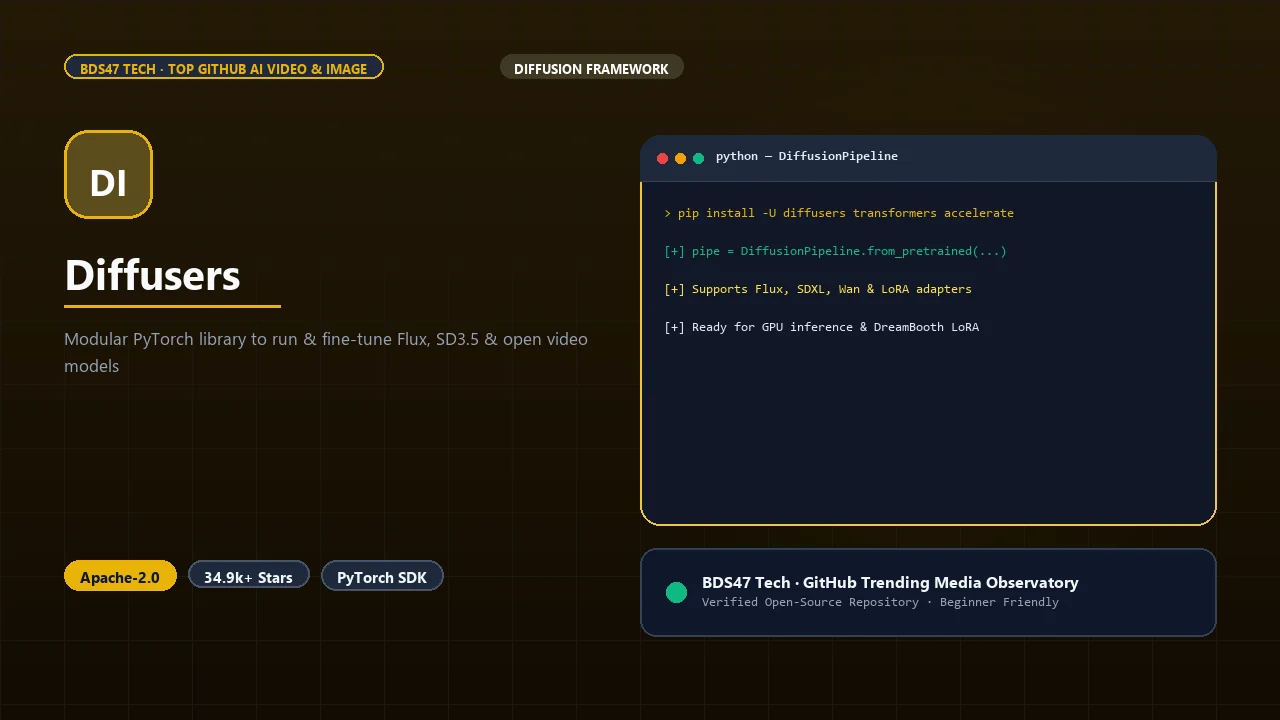
Diffusers is the core Python library powering much of the open-source generative image and video ecosystem today, with nearly 35,000 GitHub stars. Built by Hugging Face under an Apache-2.0 license, it turns complex diffusion models like Flux, SDXL, and Wan2.2 into clean, readable PyTorch code.
Whether you are writing your first Python AI script in Google Colab or building private image and video backends in Docker, release v0.43.0 balances plug-and-play DiffusionPipeline inference with deep modular building blocks for custom schedulers and LoRA training.
1. What is Diffusers? Plain-English Architecture Guide
Quick Answer for Beginners: Diffusers is Hugging Face’s standard open-source Python toolkit (Apache-2.0) for loading, running, and fine-tuning open image, video, and audio diffusion models. While it has no visual button UI of its own,
pip installlets builders spin up Flux, SDXL, or Wan pipelines in minutes.
1.1 Three Building Blocks: Pipelines, Models, and Schedulers
Instead of rewriting noisy math loops every time a new research lab releases model weights, the toolkit separates generative workflows into three readable components. High-level Pipelines run end-to-end generation in a few lines, Models hold UNet or DiT backbones, and Schedulers govern denoising steps.
Following the philosophy of ‘usability over performance’ and ‘simple over easy’, learners start smoothly today and gain full low-level customization later without changing frameworks.
1.2 Unified Support Across Images, Video, Audio, and LoRAs
Tight integration with Hugging Face Hub gives developers instant access to Flux, SD3.5, SDXL, Inpainting, ControlNet, and open video checkpoints like Wan and LTX-Video inside one cohesive SDK.
Smart caching stores downloaded .safetensors shards inside your local ~/.cache/huggingface folder automatically, so repeated test runs start offline in seconds without re-pulling gigabytes of weights across scripts.
2. Hardware & Runtime Environments
Memory requirements mirror whichever checkpoint family you run, yet built-in CPU offloading rescues modest cards cleanly.
| Workload Level | GPU & Compute | Minimum RAM | Software Stack | Typical Models |
|---|---|---|---|---|
| Starter / Colab T4 | NVIDIA 8 GB VRAM (fp16) | 16 GB RAM | Python 3.10+ + PyTorch | SD 1.5, SDXL Turbo, basic LoRAs |
| Creator Workstation | RTX 3090 / 4090 (16–24 GB) | 32 GB RAM | Diffusers v0.43.0 + Accelerate | Flux, Wan 5B, LTX-Video w/ offload |
| Training & Production API | A100 / H100 Linux Docker | 64 GB+ RAM | Diffusers + PEFT + xFormers | DreamBooth LoRA training & batch APIs |
3. Beginner Python Installation & First Render
Installing the package inside a clean virtual environment and running the official 5-line inference example takes under five minutes.
Step 1: Install via pip or Conda
Create a fresh Python environment with CUDA-enabled PyTorch and install the official package directly using pip or conda-forge.
pip install --upgrade diffusers[torch]
# Or via Conda:
conda install -c conda-forge diffusers
Step 2: Run Your First 5-Line Image Generation Script
Save the official snippet below as render.py and run python render.py to pull open weights automatically and save your generated PNG image.
from diffusers import DiffusionPipeline
import torch

pipeline = DiffusionPipeline.from_pretrained("stable-diffusion-v1-5/stable-diffusion-v1-5", dtype=torch.float16)
pipeline.to("cuda")
image = pipeline("An image of a squirrel in Picasso style").images[0]
image.save("output.png")
4. Four High-Value Engineering Workflows
As a pure code library, it seamlessly bridges research breakthroughs and real production apps.
4.1 Lightweight FastAPI Media Microservices
Embed clean Python inference directly inside Docker API containers to generate catalog backdrops, avatar variations, or editorial illustrations on demand.
Swapping schedulers such as DPMSolverMultistepScheduler or enabling VAE slicing requires three lines of clean Python, dropping response latency significantly inside background worker queues.
4.2 Custom Brand Style & Character LoRA Training
Use official scripts in the examples/ folder alongside PEFT to train lightweight LoRA adapters that reproduce custom characters or product geometry reliably.
Once trained, your custom adapter weighs only tens of megabytes and loads cleanly over a base model via pipeline.load_lora_weights() for portable deployment across multiple microservices.
4.3 Fitting Heavy Weights Onto 8–12 GB GPUs
Calling pipeline.enable_model_cpu_offload() automatically shuttles inactive weights between GPU VRAM and system RAM to prevent out-of-memory crashes.
Combined with pipeline.enable_vae_tiling() for wide high-resolution frames, single consumer cards handle heavyweight modern checkpoints cleanly without complex distributed setups.
4.4 Day-One Support for Breakthrough Image & Video Releases
Major labs regularly ship official adapters here on launch day, giving Python developers first-class access to Flux, SD3.5, CogVideo, and Wan checkpoints.
You can switch between image synthesis and open video pipelines using consistent API patterns rather than relearning bespoke inference scripts every month.
5. Honest Pros and Cons
Remembering that this is a Python developer toolkit—not a graphical end-user canvas—clarifies its ideal audience.
Major Strengths
- Apache-2.0 Industry Standard: Cleanly tested, well-maintained codebase backed by Hugging Face and open research labs.
- Exceptional Conceptual Docs: Clear tutorials walk learners through quantization, FlashAttention, and memory tuning.
- First-Class Video + Image Coverage: Unifies Flux, SDXL, Wan, LTX-Video, and audio synthesis consistently.
- Slim Production Footprints: Runs headless inside FastAPI servers without unneeded browser studio overhead.
Practical Trade-Offs
- No Built-In Graphical UI: Non-coders should choose InvokeAI, Upscayl, or Stable Diffusion WebUI instead.
- Requires Python & CUDA Familiarity: Complete beginners occasionally hit driver or PyTorch wheel version mismatches at setup.
- Manual Tuning Needed for Peak Speed: Achieving maximum throughput involves enabling
torch.compile, FP8 kernels, or optimized schedulers.
6. Comparing Diffusers vs ComfyUI and InvokeAI
Evaluate when to build directly in Python versus adopting a graphical node or canvas interface.
| Criteria | Diffusers (Python SDK) | ComfyUI | InvokeAI |
|---|---|---|---|
| User Interface | Code-only Python SDK | Browser node-graph editor | Unified Canvas layer studio |
| Target User | ML Engineers & App Developers | Workflow builders & power creators | Illustrators, designers & teams |
| LoRA Training | First-class official training scripts | Primarily inference graphs | Focused on studio generation |
| Backend Deployment | Ultra-clean Docker microservices | Includes web socket UI layer | Full multi-user web studio |
Understanding how these tools layer together unlocks smart architectures: teams frequently prototype creative styles inside graphical studios like InvokeAI or ComfyUI, then export reproducible parameters into lean Python API services for automated publishing.
Learning even the basics of DiffusionPipeline pays dividends across every open visual AI tool you touch later, because you gain direct control over precision dtypes, random generators, and memory hooks.
When moving scripts toward production, pin exact Hugging Face commit revisions and checkpoint dependencies inside Docker requirements files so rendered visual styles remain consistent week after week across cloud or on-premise GPU workers.
Pairing batch Python generation queues with lightweight FastAPI endpoints also makes it straightforward to enforce safety checks, watermark logging, or asset storage quotas inside your own web platform.
7. Beginner Frequently Asked Questions
7.1 Should non-developers install this Python library directly?
Unless you want to write Python code or run backend servers, visual apps like InvokeAI, Upscayl, or Stable Diffusion WebUI are much easier starting points.
7.2 Can I deploy commercial products with Apache-2.0?
The library code is Apache-2.0, though you must always double-check the specific model license attached to whichever weights checkpoint you download.
7.3 How can an 8 GB GPU load large models cleanly?
Load weights in torch.bfloat16 or float16 and enable pipeline.enable_model_cpu_offload() so sub-components rotate automatically.
7.4 Does it support both open image and open video synthesis?
Yes. Modern releases feature dedicated pipelines for text-to-image, image-to-image, ControlNet, and video models like Wan and LTX-Video.
8. BDS47 Tech Verdict
Diffusers earns a 9.4 / 10 score as the indispensable open-source foundation for modern generative media engineering. Unrivaled documentation clarity, clean Apache-2.0 architecture, and fast day-one checkpoint support make it a must-learn toolkit for AI builders.
Whether running reproducible batch jobs in Google Colab or serving low-latency customer graphics from self-hosted Kubernetes clusters, mastering DiffusionPipeline puts the full open-weights ecosystem at your command.
If you prefer visual layer brushes and Photoshop-style Infinite Canvas workflows built atop compatible open models, continue directly to our InvokeAI review below.


