
Wan2.2 has climbed past 18,800 GitHub stars by delivering cinema-grade open-weights video generation under an Apache-2.0 license. By introducing Mixture-of-Experts (MoE) routing into large video diffusion models, it brings high-motion 480p and 720p synthesis directly to local workstations without recurring SaaS credits.
Instead of forcing every consumer GPU into massive server clusters, the v2.2 family spans both heavy A14B flagship checkpoints and the practical TI2V-5B unified model powered by a high-compression 4x16x16 VAE. Beginners and engineers alike can run text-to-video and image-to-video pipelines at home.
1. What is Wan2.2? Beginner Explanation & MoE Architecture
Quick Answer for Beginners: Wan2.2 is an open-weights Apache-2.0 video generation suite turning text prompts or reference photos into smooth 480p and 720p clips locally. Its compact 5B hybrid checkpoint with memory offloading lets single-GPU creators synthesize cinematic motion without cloud subscriptions.
1.1 How Two-Expert Mixture-of-Experts Works in Simple Terms
Older diffusion models use identical heavy neural layers across both noisy early layout guesses and crisp late surface textures. That brute-force design drains GPU memory and slows rendering dramatically.
This Mixture-of-Experts architecture splits denoising into specialized early-layout and fine-detail experts across timesteps. Even though total learned capacity expands to 27B parameters in A14B variants, only active expert weights compute per step—keeping inference cost close to a standard 14B model.
1.2 Compact TI2V-5B Model & High-Compression VAE
For consumer PC creators, the TI2V-5B release pairs a single 5B unified text/image backbone with a dense 4x16x16 spatial-temporal VAE. That tighter latent footprint enables single-card 720p video generation at 24 frames per second with built-in CPU offloading flags.
Think of CPU offloading as smart backstage staging: idle transformer layers wait quietly in system memory while only active blocks occupy fast graphics memory, letting desktop creators produce rich multi-second sequences without buying datacenter hardware.
2. Hardware Footprint & Model Variant Selection
Generating coherent video pixels locally demands an NVIDIA CUDA GPU with healthy VRAM and fast NVMe storage for multi-gigabyte model checkpoints.
| Model Variant | Supported Task | Minimum VRAM | Recommended GPU | Output Resolution |
|---|---|---|---|---|
| TI2V-5B Hybrid | Unified Text + Image-to-Video | 16–24 GB VRAM (offload) | RTX 3090 / RTX 4090 | 480p & 720p @ 24 fps |
| T2V-A14B MoE | Flagship Text-to-Video | 24+ GB (with CPU offload) | RTX 4090 / RTX 5090 / A100 | 480p & 720p cinematic |
| I2V-A14B MoE | Still Image Animation | 24+ GB or Multi-GPU | A100 / H100 Workstation | 720p stable motion coherence |
3. Step-by-Step Local Setup Guide
Visual learners who dislike terminal scripts can load the weights inside ComfyUI’s node canvas, while developers can clone the official Python pipeline below.
Step 1: Clone the Official Codebase & Install PyTorch Dependencies
Ensure Python 3.10+, CUDA toolkit drivers, and PyTorch 2.4.0+ are ready on Linux or Windows WSL2. Follow the README advice by installing standard requirements cleanly before flash_attn.
git clone https://github.com/Wan-Video/Wan2.2.git
cd Wan2.2
pip install -r requirements.txt
Step 2: Download TI2V-5B Weights and Generate Your First 720p Clip
Pull the unified 5B checkpoint via huggingface-cli, then launch generate.py with offloading flags enabled so the text encoder shifts cleanly into system RAM on single-GPU setups.
huggingface-cli download Wan-Video/Wan2.2-TI2V-5B --local-dir ./Wan2.2-TI2V-5B
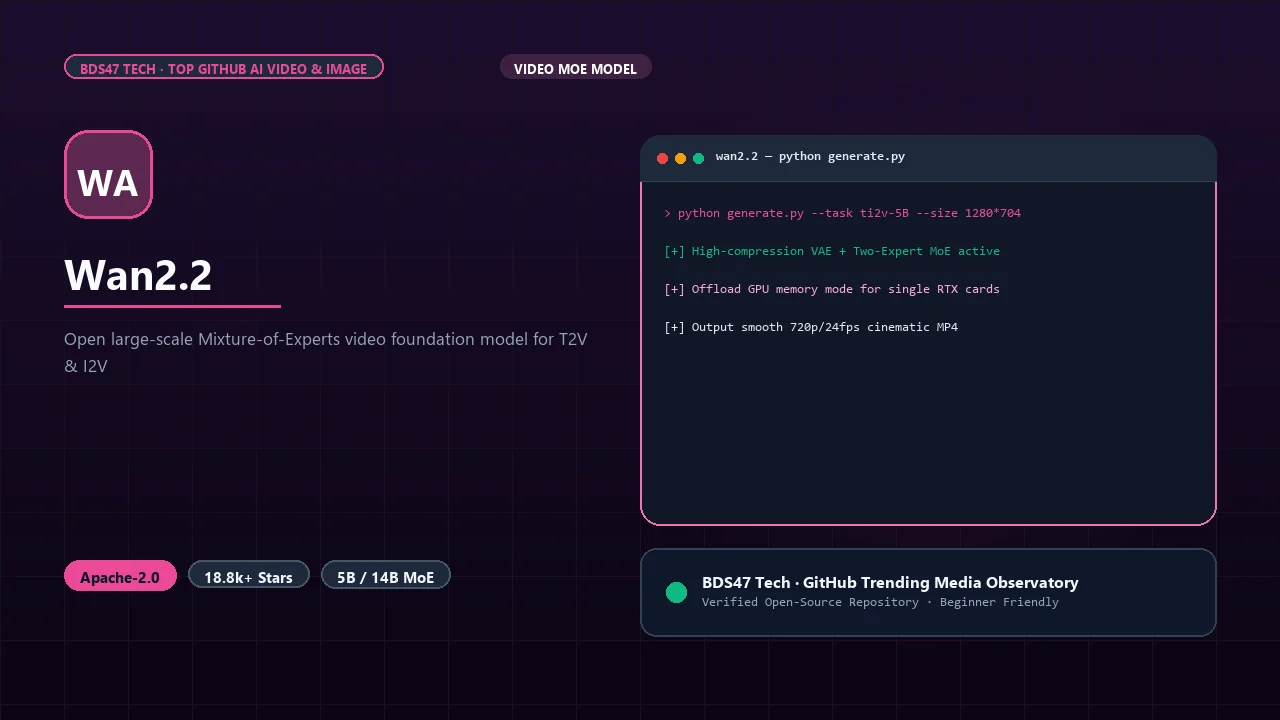
python generate.py --task ti2v-5B --size 1280*704 --ckpt_dir ./Wan2.2-TI2V-5B --offload_model True --convert_model_dtype --t5_cpu --prompt "Sunlit pine forest clearing in gentle morning mist"
4. Four Practical Video Creation Workflows
Combining open-weights checkpoints with still image generators unlocks controlled, trademark-safe visual storytelling.
4.1 Animating Product Photos & Key Art (Image-to-Video)
Design a crisp product shot first in InvokeAI or Flux, then pass that frame into Image-to-Video generation to produce subtle camera push-ins, natural reflections, or atmospheric motion.
4.2 Custom Royalty-Free B-Roll for Documentaries
Synthesize abstract science animations, historical environments, or aerial establishing shots inside your local network without hunting stock licensing platforms.
4.3 Fine-Grained Lighting and Lens Art Direction
Curated aesthetic training tags respond accurately to cinematic lighting cues such as golden hour sidelighting, shallow depth-of-field bokeh, or steady dolly motion.
4.4 Drag-and-Drop Integration via ComfyUI & Diffusers
Pair the Apache-2.0 checkpoints directly with Hugging Face Diffusers scripts or community ComfyUI node workflows for visual queuing and batch automation.
5. Honest Pros and Cons
Local diffusion video synthesis offers true model ownership, though hardware sizing requires realistic planning.
Core Advantages
- Apache-2.0 Open Weights: Download checkpoints directly for personal, research, or commercial use with zero royalty lock-in.
- Efficient MoE Routing: Balances higher motion fidelity against practical per-step inference compute.
- Single-GPU 5B Mode: Built-in offload flags allow enthusiasts on RTX 3090/4090 cards to generate 720p clips locally.
- Broad Ecosystem Adoption: Supported cleanly across CLI, ComfyUI visual graphs, and Diffusers pipelines.
Practical Trade-Offs
- Demands NVIDIA CUDA Hardware: Integrated laptop graphics and CPU-only machines cannot run local video diffusion fast enough.
- Multi-Gigabyte Storage Footprint: Keeping several 5B and 14B checkpoints consumes 40–120+ GB of fast SSD space.
- Minutes per Render vs Instant Web Clips: Generating high-resolution 24 fps clips on a single card requires patience compared to distributed cloud clusters.
6. Comparing Wan2.2 vs LTX-Video and Proprietary Cloud Models
Evaluate open-weights fidelity alongside faster draft generators and hosted subscription apps.
| Dimension | Wan2.2 | LTX-Video | Hosted SaaS Generators |
|---|---|---|---|
| Core Design | MoE Diffusion + 5B/A14B weights | Fast real-time DiT video model | Closed remote GPU clusters |
| License & Control | Apache-2.0 full local weights | Apache-2.0 open weights | Per-credit web subscription |
| GPU Footprint | 16–24 GB VRAM recommended | 8–16 GB VRAM friendly | Zero local GPU needed |
| Primary Strength | Rich 720p motion & I2V fidelity | Rapid draft previews | Convenience with privacy trade-offs |
Beginners owning a single modern RTX desktop GPU will appreciate how cleanly quantized community builds and offloading flags let them test open video generation before investing in multi-GPU rigs.
Meanwhile, studios prioritizing strict client confidentiality gain full air-gapped security because reference product frames never leave internal drives or sync to external rental APIs.
When testing first prompts as a beginner, start with 480p test renders using lower step counts so you can dial in camera descriptions, subject pacing, and lighting mood within seconds before waiting on a full 720p pass.
You can also adjust random seed numbers intentionally once you hit a strong composition, making small wording edits while keeping framing consistent across multi-shot explainer projects.
7. Frequently Asked Questions for Beginners
7.1 Can an RTX 3060 12GB card run the 5B model?
Official 720p runs target 16–24 GB VRAM. On 12 GB cards, beginners commonly switch to quantized FP8/GGUF weights inside ComfyUI at 480p alongside 32 GB of system RAM offloading.
7.2 Do I need Python coding skills to generate clips?
No. While the GitHub repo offers CLI scripts, beginners can visually wire the same open weights inside ComfyUI using community workflow templates.
7.3 Is commercial usage permitted under Apache-2.0?
Yes. Both code and published model weights carry the permissive Apache-2.0 license allowing commercial creative production.
7.4 How do I avoid flash_attn build failures during setup?
Install PyTorch and core packages from requirements.txt first, then add prebuilt flash_attn wheels matching your CUDA version—or run inside WSL2 Ubuntu.
8. BDS47 Tech Verdict
Scoring 9.3 / 10 in our editorial evaluation, Wan2.2 stands as a milestone for open-weights video synthesis by delivering genuine 720p MoE quality and a practical 5B consumer checkpoint under Apache-2.0.
Creative teams gain full control over prompt adherence, aspect ratios, seed reproducibility, and offline data privacy without per-second billing meters ticking on hosted web platforms.
Pair the checkpoints with ComfyUI for visual node-based compositing, start from crisp still key art rendered in InvokeAI, or load the family directly from Hugging Face Diffusers when automating Python inference pipelines.


